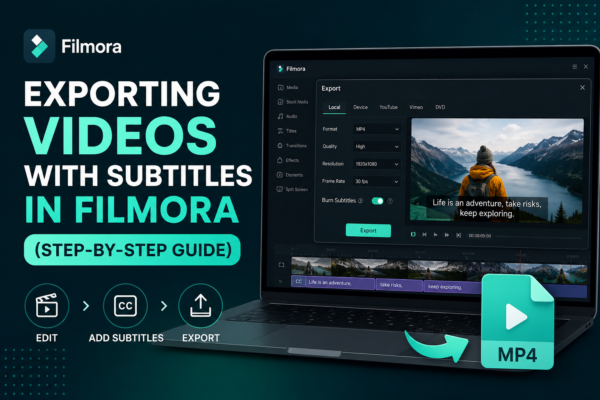
Exporting Videos with Subtitles in Filmora (Step-by-Step Guide)
Exporting videos with subtitles in Filmora is done by first adding or importing subtitles into your timeline, then using the export settings in Wondershare Filmora. Enable subtitle embedding or export them as a separate file (SRT). Choose your format (MP4 recommended), adjust quality settings, and click export. This ensures subtitles appear permanently or as a […]
Read More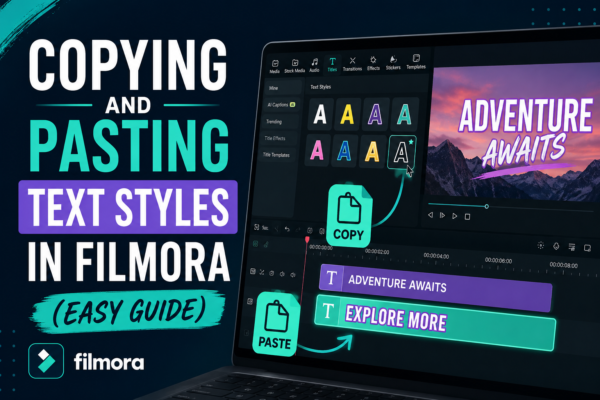
Copying and Pasting Text Styles in Filmora (Easy Guide)
If you’ve ever spent time perfecting a text style in a video only to realize you need the same look again elsewhere, you already know how frustrating it can be to repeat the same formatting work. Fonts, colors, shadows, animations—rebuilding everything manually slows down your editing workflow. This is where Copying and Pasting Text Styles […]
Read More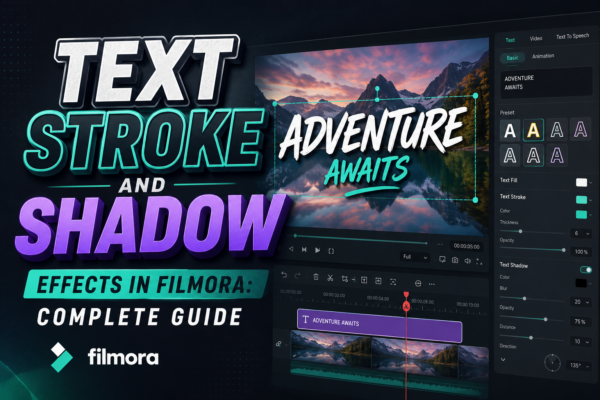
Text Stroke and Shadow Effects in Filmora: Complete Guide
In modern video editing, text is no longer just information—it’s a visual storytelling tool. Whether you’re creating YouTube videos, social media reels, or business promos, the way your text looks can completely change how viewers perceive your content. One of the most powerful ways to elevate your text design is by using stroke and shadow […]
Read More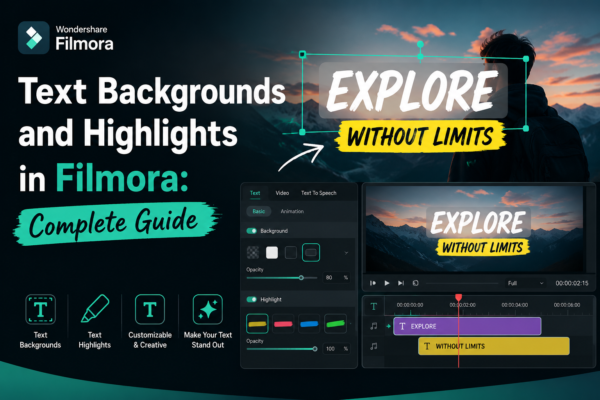
Text Backgrounds and Highlights in Filmora: Complete Guide
In modern video editing, clear and visually appealing text is just as important as the footage itself. Whether you’re creating YouTube videos, social media reels, tutorials, or business presentations, poorly styled text can ruin viewer engagement in seconds. That’s where text backgrounds and highlights in Filmora https://filmora.wondershare.com/ come in. They help your message stand out, […]
Read More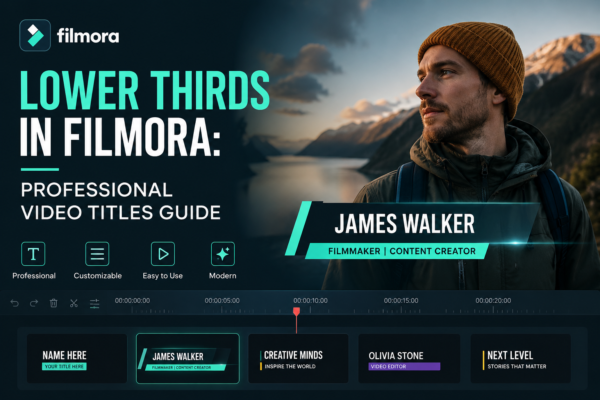
Lower Thirds in Filmora: Professional Video Titles Guide
Why Your Videos Still Look “Amateur” (Even With Good Editing) You can shoot a great video, add smooth transitions, and even color-grade it perfectly—but something still feels missing. That “missing piece” is often lower thirds in Filmora. Lower thirds are those sleek text overlays that appear at the bottom of the screen, usually showing names, […]
Read More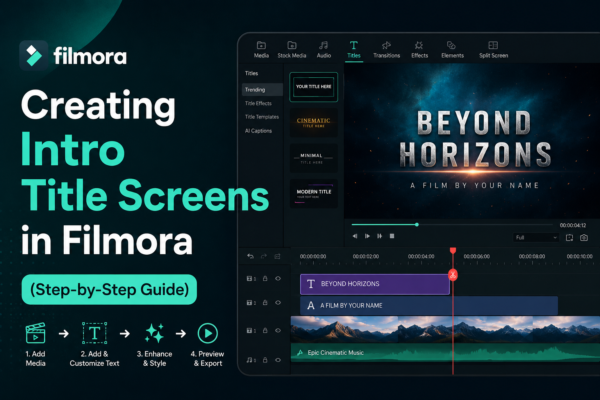
Creating Intro Title Screens in Filmora (Step-by-Step Guide)
Have you ever watched a YouTube video or a short film where the opening title instantly grabs your attention? That polished intro screen is not just decoration—it sets the tone, builds branding, and keeps viewers engaged. In video editing, especially for creators using Filmora, learning creating intro title screens in Filmora is one of the […]
Read More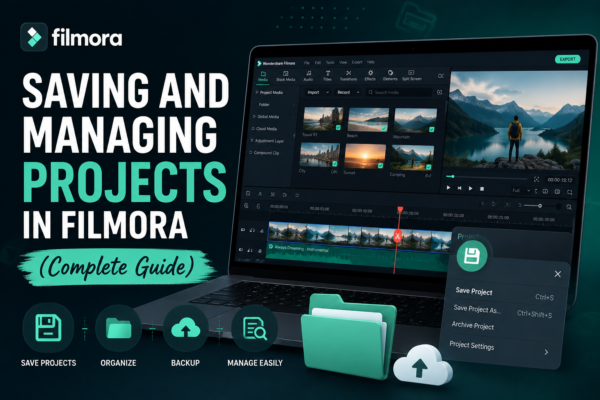
Saving and Managing Projects in Filmora (Complete Guide)
Video editing is exciting—until you lose your project or can’t find your files. If you’ve ever spent hours editing only to face a missing file error, you know how frustrating that can be. That’s where smart project saving and management in Wondershare Filmora https://filmora.wondershare.com/ becomes essential. In this guide, you’ll learn exactly how to save, […]
Read More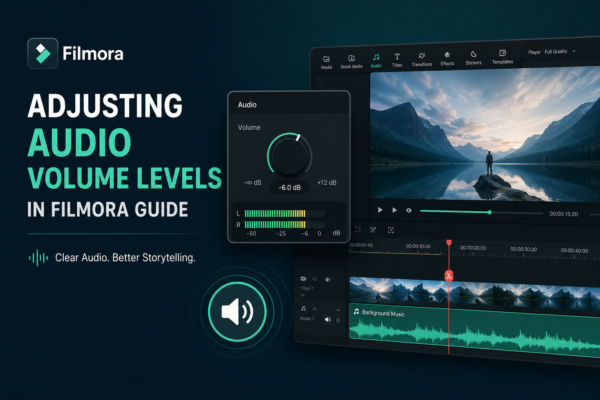
Adjusting Audio Volume Levels in Filmora Guide
You can have stunning visuals, cinematic transitions, and perfect color grading—but if your audio is off, your entire video feels unprofessional. Many beginner editors overlook one crucial detail: audio balance. Whether you’re creating YouTube videos, reels, tutorials, or short films using Wondershare Filmora, controlling sound levels is essential for clarity and engagement. Poor audio can […]
Read More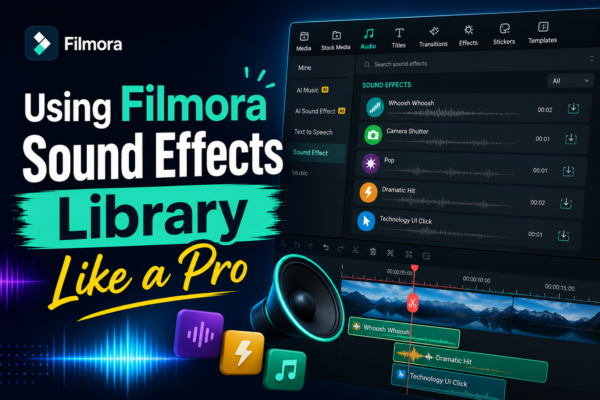
Using Filmora Sound Effects Library Like a Pro
Ever watched a video that felt… flat? No punch, no emotion, no realism? That’s usually not a video problem—it’s a sound design problem. If you’re editing with Filmora and not using its built-in sound effects library, you’re leaving a huge creative advantage on the table. From cinematic transitions to subtle background ambiance, sound effects can […]
Read More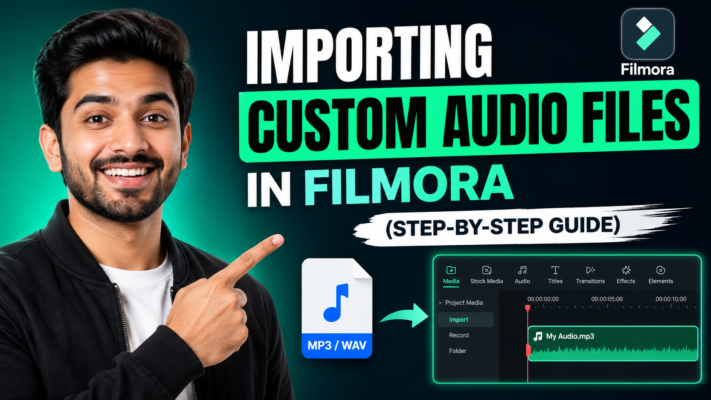
Importing Custom Audio Files in Filmora (Step-by-Step Guide)
Adding the right audio can transform an ordinary video into something memorable. Whether it’s background music, voiceovers, or sound effects, knowing how to properly import custom audio files in Filmora is a skill every video creator needs. If you’ve ever struggled with unsupported formats, missing files, or syncing issues, you’re not alone. This guide will […]
Read More










