10 Benefits of AI Video Services for YouTube
Creating high-quality YouTube videos consistently is one of the biggest challenges for content creators. Editing footage, adding subtitles, optimizing pacing, and designing thumbnails can consume hours for every video. That is where AI Video Services and Video Editing Services can make a major difference. By automating repetitive tasks and enhancing production quality, AI-powered tools help […]
Read More
Combining Effects in Filmora for Creative Video Edits
Video editing is no longer just about cutting clips—it’s about storytelling. And if you’re using Wondershare Filmora, combining effects is where your creativity truly comes alive. Whether you’re making YouTube videos, reels, or cinematic projects, layering multiple effects can transform simple footage into something visually striking and memorable. But here’s the catch: combining effects in […]
Read More
AI Video Services: Beginner’s Guide to Video Editing
AI video services are changing how businesses, marketers, and content creators produce videos. What once required a full production team and hours of editing can now be streamlined with artificial intelligence. Whether you want to create social media clips, promotional videos, tutorials, or YouTube content, AI Video Services and Video Editing Services can help you […]
Read More
Green Screen (Chroma Key) in Filmora: Complete Beginner Guide
Green screen editing has become a game-changer for video creators, YouTubers, and marketers who want to produce cinematic-quality visuals without expensive setups. Whether you’re replacing backgrounds, creating travel illusions, or building professional explainer videos, chroma key technology makes it possible. One of the most beginner-friendly tools for this is Wondershare Filmora, which includes a built-in […]
Read More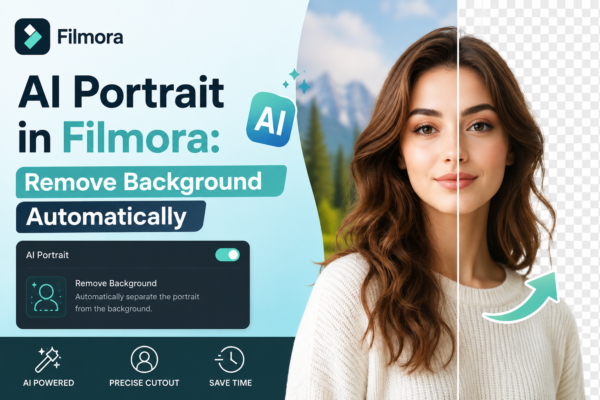
AI Portrait in Filmora: Remove Background Automatically
Creating professional-looking videos used to require green screens, expensive setups, and hours of manual editing. But now, tools like AI Portrait in Wondershare Filmora have completely changed the game. If you’ve ever struggled to remove a background cleanly or wanted to create eye-catching content fast, this guide will walk you through everything—step by step. Quick […]
Read More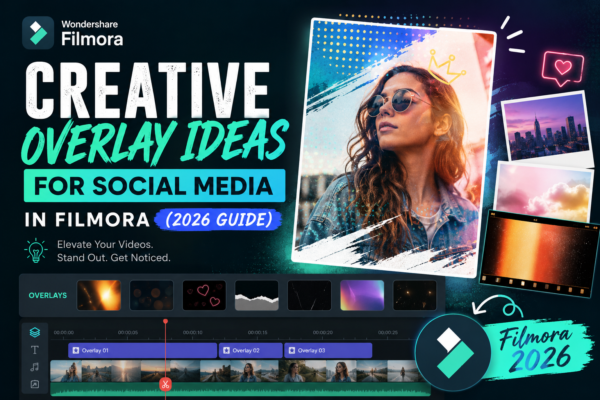
Creative Overlay Ideas for Social Media in Filmora (2026 Guide)
Social media content today is more competitive than ever. Whether you’re creating Instagram Reels, TikTok videos, or YouTube Shorts, grabbing attention in the first 3 seconds is everything. That’s where creative overlay ideas for social media in Filmora become a game-changer. Instead of plain videos, overlays help you add motion graphics, text effects, transitions, and […]
Read More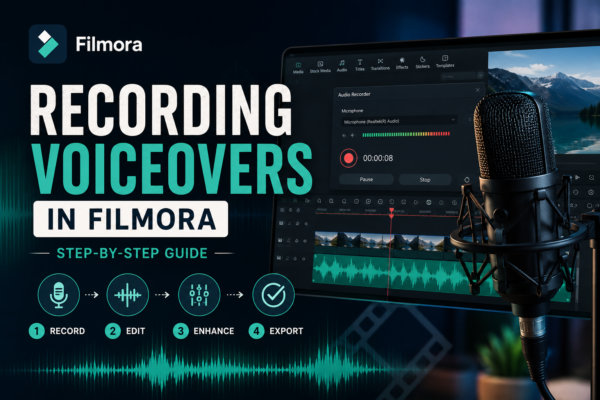
Recording Voiceovers in Filmora: Step-by-Step Guide
Recording voiceovers in Filmora is simple using its built-in voiceover tool. You just open the audio tab, select “Record Voiceover,” adjust your microphone settings, and start speaking while previewing your timeline. It’s ideal for YouTube videos, tutorials, and presentations, offering real-time syncing and easy editing options afterward. Why Voiceovers Matter in Video Editing A great […]
Read More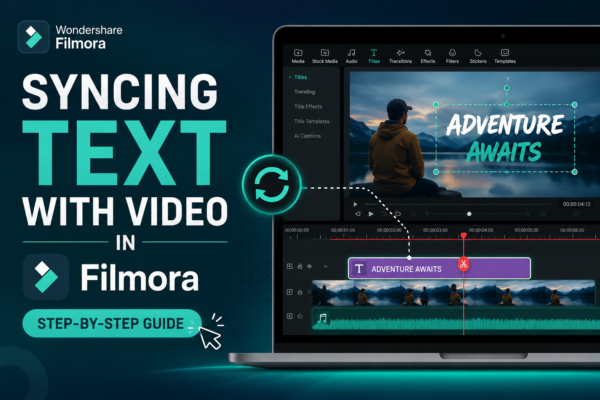
Syncing Text with Video in Filmora (Step-by-Step Guide)
Ever watched a video where the text appears exactly when the speaker says something important? It feels smooth, professional, and engaging. Now imagine your own videos having that same polished touch. If you’ve struggled with getting your text to match your video timing perfectly, don’t worry—you’re not alone. Syncing text with video can feel tricky […]
Read More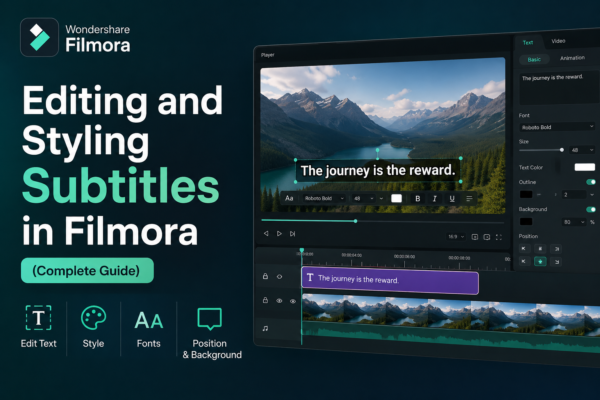
Editing and Styling Subtitles in Filmora (Complete Guide)
Subtitles are no longer just an accessibility feature—they’re a powerful storytelling tool. Whether you’re creating YouTube videos, tutorials, or social media content, well-designed subtitles can dramatically boost engagement and retention. If you’ve ever watched a video on mute and still understood everything, you already know the power of subtitles. In this guide, you’ll learn how […]
Read More










