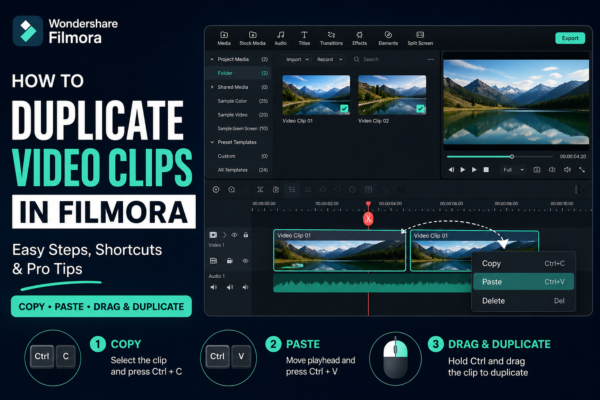
How to Duplicate Video Clips in Filmora (Easy Step-by-Step Guide)
Video editing becomes much faster when you know simple tricks that save time. One of the most useful editing skills in Wondershare Filmora is learning how to duplicate video clips in Filmora. Whether you’re creating YouTube content, short reels, or professional videos, duplicating clips helps you build effects, reuse scenes, and maintain consistency without starting […]
Read More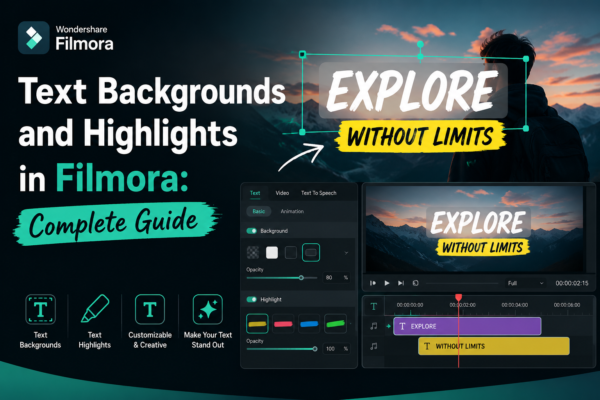
Text Backgrounds and Highlights in Filmora: Complete Guide
In modern video editing, clear and visually appealing text is just as important as the footage itself. Whether you’re creating YouTube videos, social media reels, tutorials, or business presentations, poorly styled text can ruin viewer engagement in seconds. That’s where text backgrounds and highlights in Filmora https://filmora.wondershare.com/ come in. They help your message stand out, […]
Read More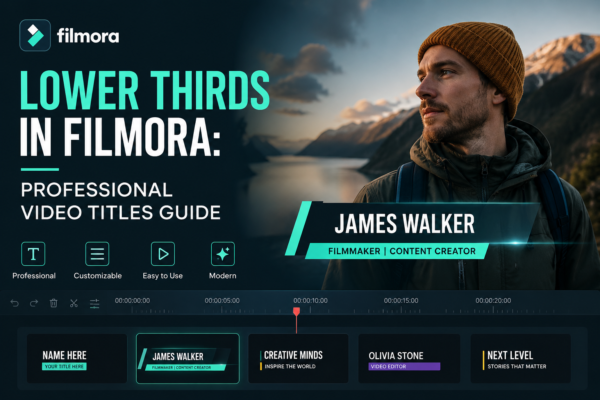
Lower Thirds in Filmora: Professional Video Titles Guide
Why Your Videos Still Look “Amateur” (Even With Good Editing) You can shoot a great video, add smooth transitions, and even color-grade it perfectly—but something still feels missing. That “missing piece” is often lower thirds in Filmora. Lower thirds are those sleek text overlays that appear at the bottom of the screen, usually showing names, […]
Read More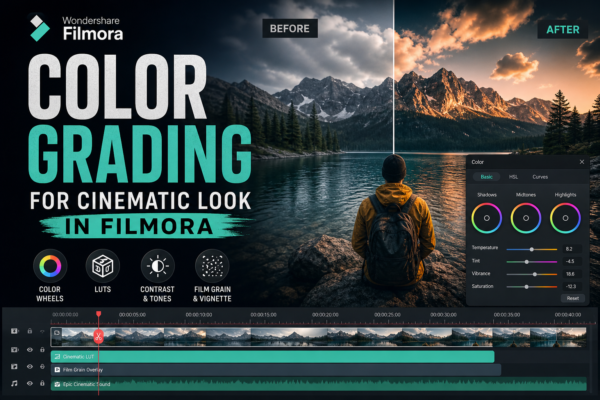
Color Grading for Cinematic Look in Filmora (Pro Guide)
Have you ever watched a short film or YouTube video and instantly felt like it looked “professional,” even if the story was simple? That emotional impact usually comes from color grading, not expensive cameras. In today’s content-driven world, creators using tools like Wondershare Filmora can achieve cinematic visuals without Hollywood-level budgets. The secret lies in […]
Read More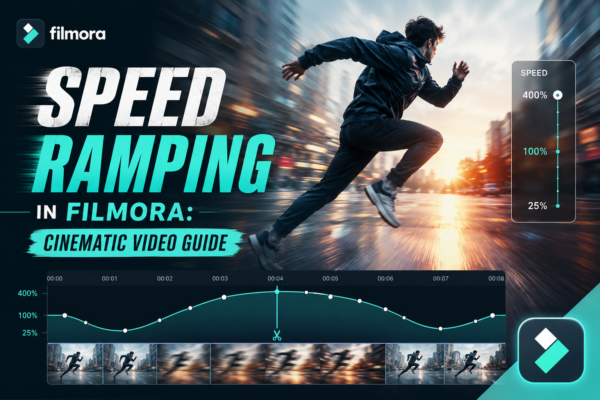
Speed Ramping in Filmora: Cinematic Video Guide
Have you ever watched a cinematic video where the motion suddenly slows down during a dramatic moment, then smoothly speeds up again? That’s not random editing—it’s called speed ramping, and it’s one of the most powerful storytelling techniques in modern video production. Whether you’re editing travel vlogs, cinematic reels, YouTube shorts, or Instagram content, speed […]
Read More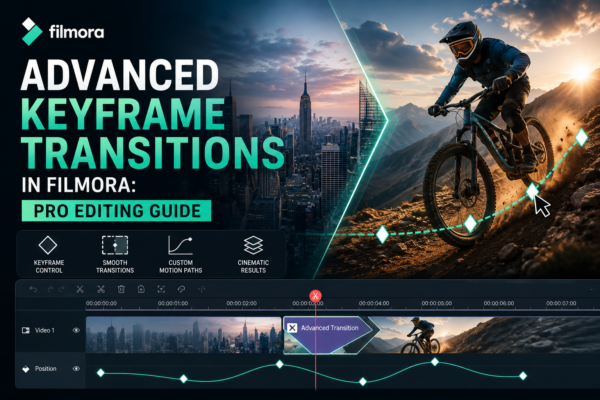
Advanced Keyframe Transitions in Filmora: Pro Editing Guide
Video editing is no longer just about cutting and trimming clips. Today, audiences expect smooth, cinematic motion, dynamic storytelling, and visually engaging transitions. This is where advanced keyframe transitions in Filmora become a game-changer. Whether you’re editing YouTube content, short films, reels, or corporate videos, mastering keyframes in Wondershare Filmora allows you to create professional-level […]
Read More
Previewing Videos Before Export in Filmora (Complete Guide)
When editing videos, one of the most overlooked yet critical steps is previewing the final project before export. Many editors rush to render their video only to discover timing issues, audio mismatches, or visual glitches afterward. That’s where previewing videos before export in Filmora becomes essential. Whether you’re a beginner YouTuber, content creator, or professional […]
Read More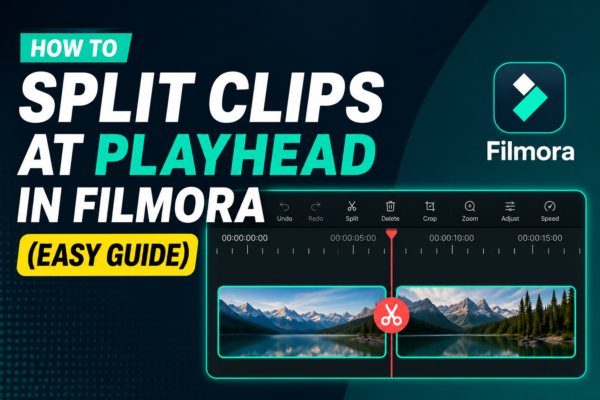
How to Split Clips at Playhead in Filmora (Easy Guide)
Splitting clips at the playhead in Filmora is a basic video editing technique that allows you to cut a video precisely where the timeline cursor (playhead) is placed. Simply position the playhead on the desired frame, select the clip, and click the Split Tool (scissors icon) or press Ctrl + B. This creates two separate […]
Read More
Adding Clips to Timeline in Filmora: Step-by-Step Guide
Adding clips to the timeline in Filmora is the process of dragging or importing video, audio, or image files into the editing timeline area. This allows you to arrange, trim, and edit your media in sequence. Simply import your files, drag them to the timeline, and start building your video story step by step. Why […]
Read More










