
Split-Screen Videos in Filmora (Step-by-Step Guide)
Ever watched a video where two clips play side by side and thought, “That looks cool, but how do they do it?” That effect is called a split-screen video, and it’s one of the easiest ways to make your content look professional—especially for YouTube, tutorials, reactions, and comparisons. The good news? You don’t need advanced […]
Read More
Blending Modes in Filmora Explained (Beginner to Pro)
If you’ve ever watched a cinematic video with glowing lights, dreamy overlays, or seamless double eIf you’ve ever watched a cinematic video with glowing lights, dreamy overlays, or seamless double exposure effects, then you’ve already seen blending modes in action. In fact, these effects are used everywhere—from YouTube edits to professional films. The good news, […]
Read More
Muting and Replacing Audio in Filmora (Step-by-Step Guide)
Audio can make or break your video. You might have the perfect visuals, but background noise, poor narration, or unwanted sound can ruin the entire experience. That’s where learning how to mute and replace audio in Filmora becomes a game-changer. Whether you’re editing YouTube videos, reels, tutorials, or client projects, mastering audio control gives your […]
Read More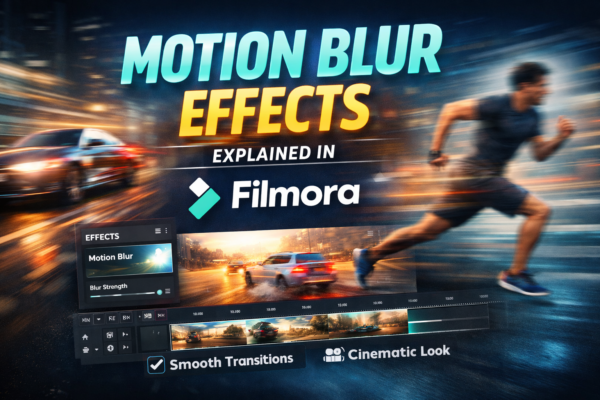
Motion Blur Effects in Filmora (Beginner to Pro Guide)
Motion blur is one of those subtle effects that can instantly make your video look more cinematic and professional. If you’ve ever watched a fast-moving scene and noticed that smooth, dreamy blur during motion — that’s motion blur at work. In this guide, you’ll learn exactly how motion blur in Filmora works, how to apply […]
Read More
How to Apply Effects in Filmora to Specific Clips
When editing videos, one of the most common beginner mistakes is applying effects in Filmora to the entire timeline instead of specific clips. This can ruin storytelling, reduce clarity, and make videos look unprofessional. In modern editing workflows using Filmora, creators want precision—meaning each clip should have its own unique visual style. Whether you’re making […]
Read More
Adjust Video Speed in Filmora (Slow & Fast Motion Guide)
Ever watched a cinematic slow-motion scene or a fast-forward vlog and wondered how creators do it so smoothly? Adjusting video speed in Filmora is one of the easiest yet most powerful editing techniques to enhance storytelling. Whether you want dramatic slow motion or energetic fast motion, Filmora makes it simple—even for beginners. If you want […]
Read More










