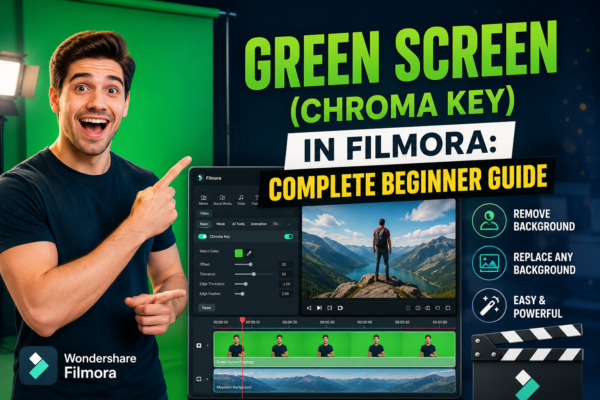
Green Screen (Chroma Key) in Filmora: Complete Beginner Guide
Green screen editing has become a game-changer for video creators, YouTubers, and marketers who want to produce cinematic-quality visuals without expensive setups. Whether you’re replacing backgrounds, creating travel illusions, or building professional explainer videos, chroma key technology makes it possible. One of the most beginner-friendly tools for this is Wondershare Filmora, which includes a built-in […]
Read More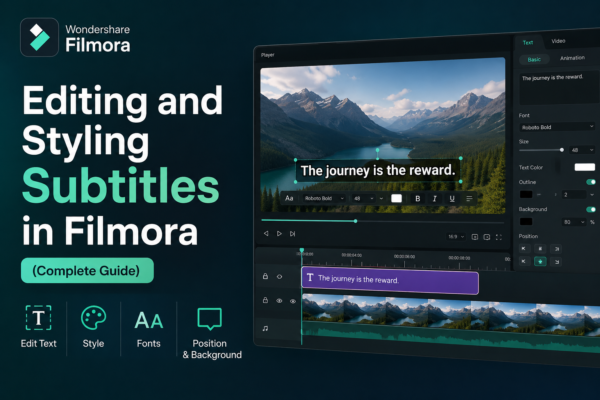
Editing and Styling Subtitles in Filmora (Complete Guide)
Subtitles are no longer just an accessibility feature—they’re a powerful storytelling tool. Whether you’re creating YouTube videos, tutorials, or social media content, well-designed subtitles can dramatically boost engagement and retention. If you’ve ever watched a video on mute and still understood everything, you already know the power of subtitles. In this guide, you’ll learn how […]
Read More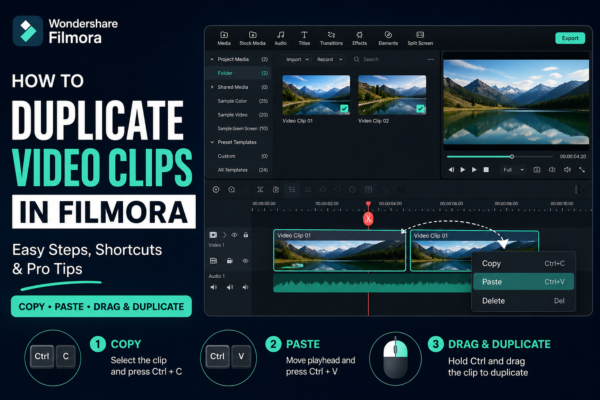
How to Duplicate Video Clips in Filmora (Easy Step-by-Step Guide)
Video editing becomes much faster when you know simple tricks that save time. One of the most useful editing skills in Wondershare Filmora is learning how to duplicate video clips in Filmora. Whether you’re creating YouTube content, short reels, or professional videos, duplicating clips helps you build effects, reuse scenes, and maintain consistency without starting […]
Read More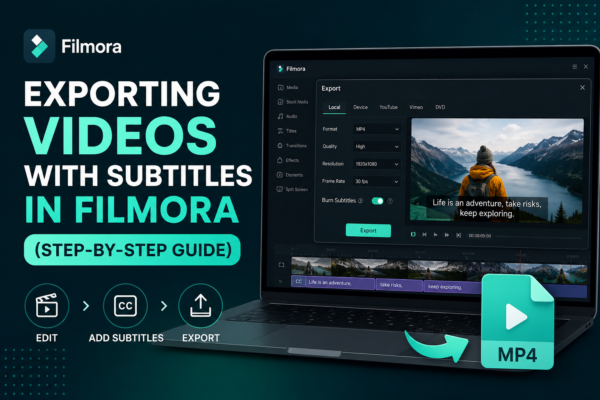
Exporting Videos with Subtitles in Filmora (Step-by-Step Guide)
Exporting videos with subtitles in Filmora is done by first adding or importing subtitles into your timeline, then using the export settings in Wondershare Filmora. Enable subtitle embedding or export them as a separate file (SRT). Choose your format (MP4 recommended), adjust quality settings, and click export. This ensures subtitles appear permanently or as a […]
Read More
Taking Snapshots from Videos in Filmora (Easy Guide)
Have you ever watched a video and wished you could capture a perfect moment as a still image? Whether it’s a cinematic frame, a product highlight, or a memorable scene, taking snapshots from videos is a powerful editing technique. In Wondershare Filmora, this process is simple yet highly useful for content creators, YouTubers, marketers, and […]
Read More
Cinematic Effects in Filmora for Professional Videos
Creating professional-looking videos isn’t just about having a good camera—it’s about how you present your footage. That’s where cinematic effects come in. With tools like Wondershare Filmora, even beginners can transform ordinary clips into visually stunning, film-like content. If you’ve ever watched a YouTube video or short film and thought, “Why does this look so […]
Read More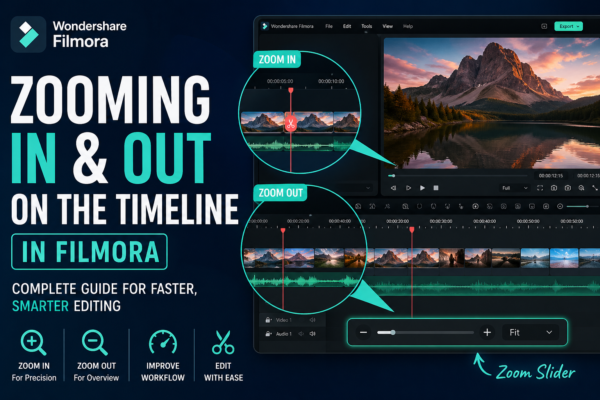
Zooming In and Out on Filmora Timeline: Complete Guide
Zooming In and Out on Filmora Timeline allows video editors to control how closely they view their editing workspace. It helps improve precision when cutting clips, arranging scenes, and adding effects. In Wondershare Filmora, you can zoom using the timeline slider, mouse scroll, or shortcut keys for faster editing efficiency. Why Timeline Zoom Matters in […]
Read More
Adjusting Transition Duration and Style in Filmora
Video editing is not just about cutting clips—it’s about storytelling. One of the most powerful yet underrated tools in editing is transitions. When used correctly in Filmora, transitions can completely transform your video flow, making it more professional, cinematic, and engaging. But here’s the challenge: many beginners either overuse transitions or don’t know how to […]
Read More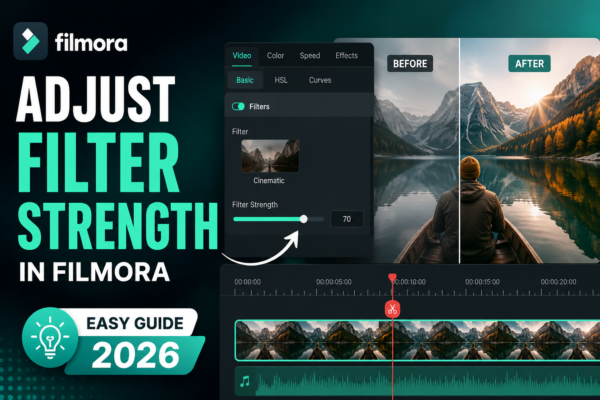
Adjust Filter Strength in Filmora (Easy Guide 2026)
Adjusting filter strength in Filmora allows you to control how intense a filter effect appears on your video. You can do this by selecting a filter from the Effects panel, dragging it onto your clip, and then using the adjustment slider in the settings panel to increase or decrease intensity for a natural or stylized […]
Read More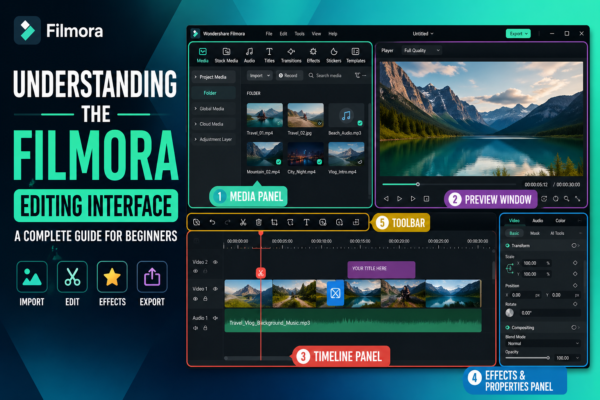
Understanding the Filmora Editing Interface: Complete Beginner Guide
If you’ve ever opened a video editor like Wondershare Filmora https://filmora.wondershare.com/ for the first time, you probably felt a mix of excitement and confusion. Buttons everywhere, timelines, panels, previews—it can look overwhelming. But here’s the truth: once you understand the Filmora editing interface, everything starts to feel intuitive. Editing becomes less about “figuring out the […]
Read More










