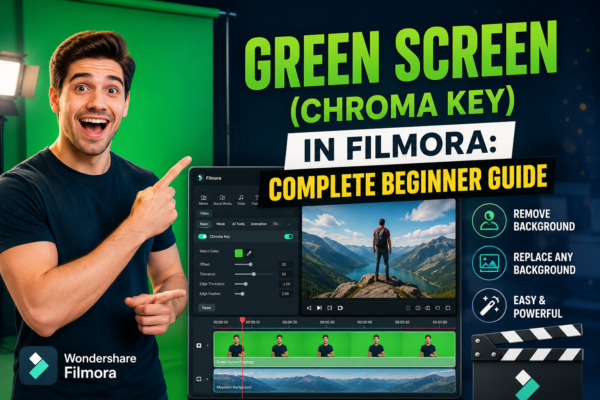
Green Screen (Chroma Key) in Filmora: Complete Beginner Guide
Green screen editing has become a game-changer for video creators, YouTubers, and marketers who want to produce cinematic-quality visuals without expensive setups. Whether you’re replacing backgrounds, creating travel illusions, or building professional explainer videos, chroma key technology makes it possible. One of the most beginner-friendly tools for this is Wondershare Filmora, which includes a built-in […]
Read More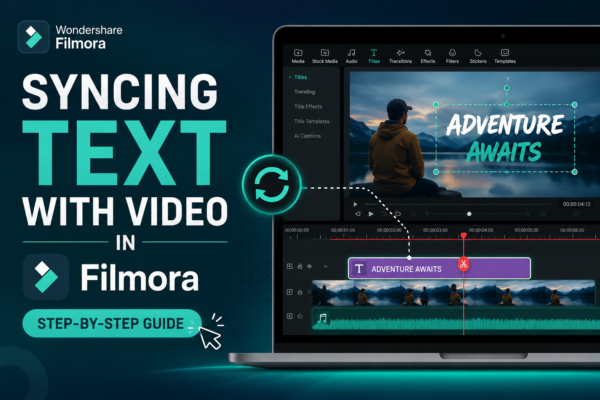
Syncing Text with Video in Filmora (Step-by-Step Guide)
Ever watched a video where the text appears exactly when the speaker says something important? It feels smooth, professional, and engaging. Now imagine your own videos having that same polished touch. If you’ve struggled with getting your text to match your video timing perfectly, don’t worry—you’re not alone. Syncing text with video can feel tricky […]
Read More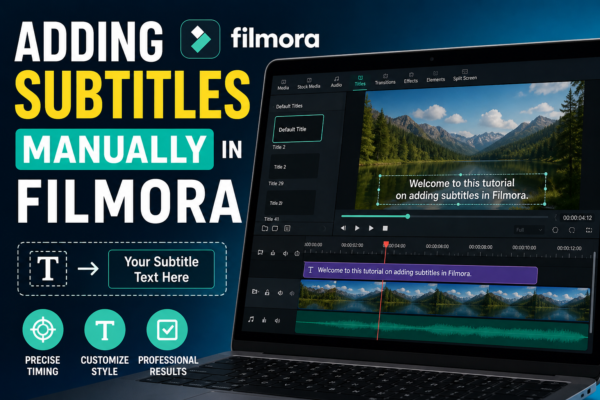
Adding Subtitles Manually in Filmora | Easy Step Guide
Adding subtitles manually in Filmora is done by opening the Text tool, creating title clips, and syncing them with your video timeline. You can type each subtitle line, adjust timing, and customize fonts, colors, and positioning. This method gives full control over accuracy, style, and readability for professional-quality videos. Introduction In today’s digital world, subtitles […]
Read More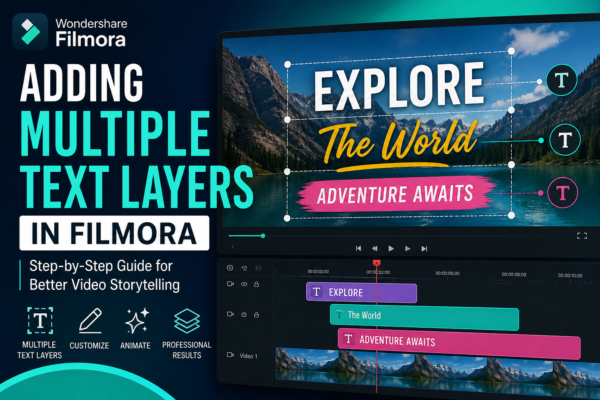
Adding Multiple Text Layers in Filmora (Easy Guide)
If you’ve ever watched a YouTube video, TikTok edit, or Instagram reel with animated titles, captions, and overlays appearing at different moments, you’ve already seen the power of multiple text layers in action. In modern video editing, especially using tools like Filmora, text is no longer just a subtitle—it’s a storytelling tool. But here’s the […]
Read More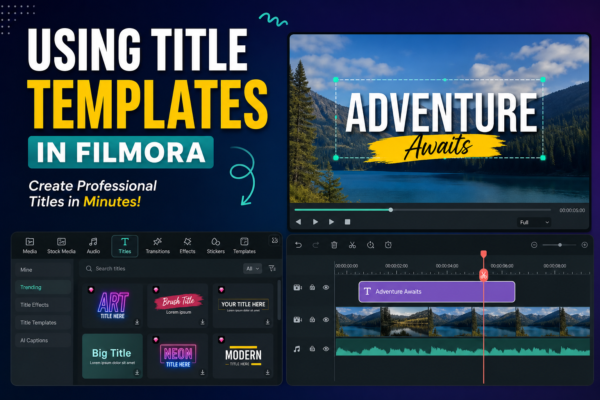
Using Title Templates in Filmora: Step-by-Step Guide
Using title templates in Filmora https://filmora.wondershare.com/allows you to quickly add professional-looking text styles to your videos without manual design work. Simply open the Titles tab, choose a template, drag it to your timeline, and customize text, fonts, and animation. It saves time and improves video quality instantly. Why Title Templates Matter in Video Editing In […]
Read More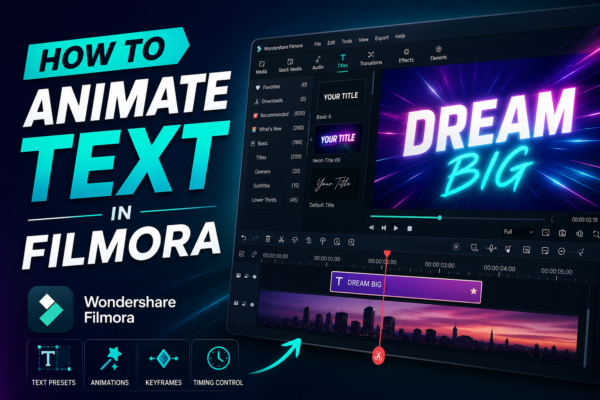
Animating Text in Filmora (Step-by-Step Guide)
Text animation can transform an ordinary video into something visually engaging and professional. Whether you’re creating YouTube content, social media reels, or tutorials, animated text helps you grab attention, highlight key points, and keep viewers watching. If you’ve ever wondered how creators add smooth, eye-catching titles—you’re in the right place. In this guide, you’ll learn […]
Read More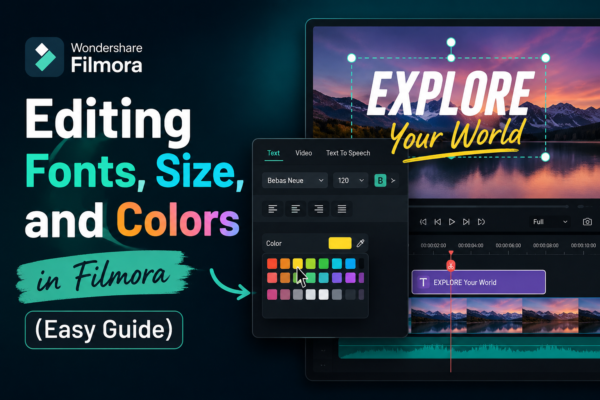
Editing Fonts, Size, and Colors in Filmora (Easy Guide)
If you’ve ever added text to a video and thought, “This doesn’t look right…” — you’re not alone. Text styling can make or break your video’s visual appeal. The good news? With Wondershare Filmora https://filmora.wondershare.com/ editing fonts, size, and colors is not only easy—it’s powerful when done right but before moving further you must read […]
Read More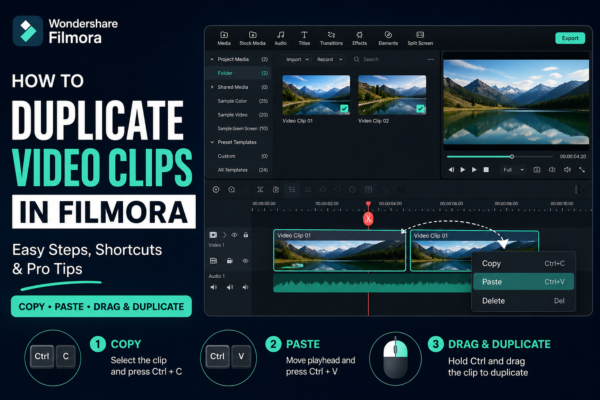
How to Duplicate Video Clips in Filmora (Easy Step-by-Step Guide)
Video editing becomes much faster when you know simple tricks that save time. One of the most useful editing skills in Wondershare Filmora is learning how to duplicate video clips in Filmora. Whether you’re creating YouTube content, short reels, or professional videos, duplicating clips helps you build effects, reuse scenes, and maintain consistency without starting […]
Read More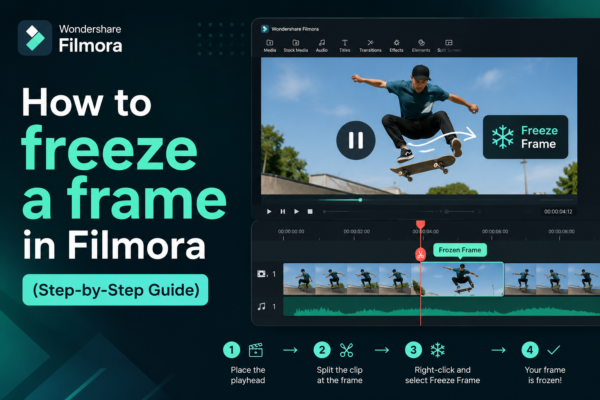
How to freeze a frame in Filmora (Step-by-Step Guide)
Video editing is all about storytelling—and sometimes, the most powerful moment is when everything stops. A freeze frame can highlight emotion, emphasize a detail, or create dramatic impact. If you’ve ever watched a video pause on a key moment with text or effects layered on top, you’ve seen this technique in action. In this guide, […]
Read More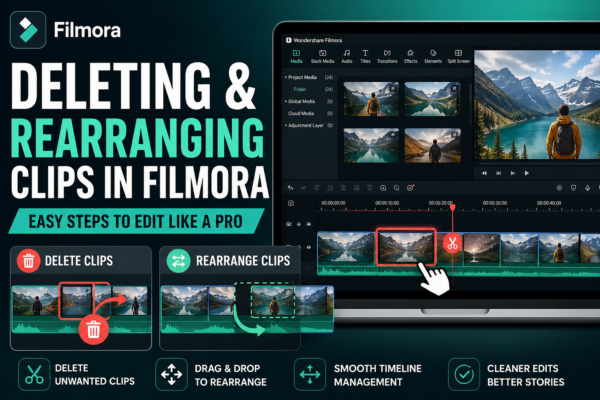
Deleting and Rearranging Clips in Filmora: Easy Editing Guide
Video editing becomes truly powerful when you know how to control your timeline. Whether you’re fixing mistakes, refining storytelling, or restructuring a video, mastering deleting and rearranging clips in Filmora is a core skill every editor must learn. If you’ve ever felt stuck trying to clean up your timeline or make your video flow better, […]
Read More










