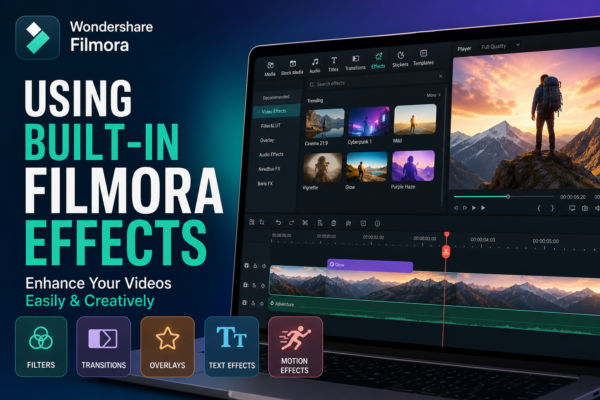
Using Built-in Filmora Effects: Complete Beginner Guide
Video content is everywhere—YouTube, TikTok, Instagram Reels—and the competition for attention is tougher than ever. What makes a video stand out is not just the story, but the visual experience. This is where built-in Filmora Effects editing tools become powerful. One of the most beginner-friendly yet powerful editing platforms is Filmora. It comes packed with […]
Read More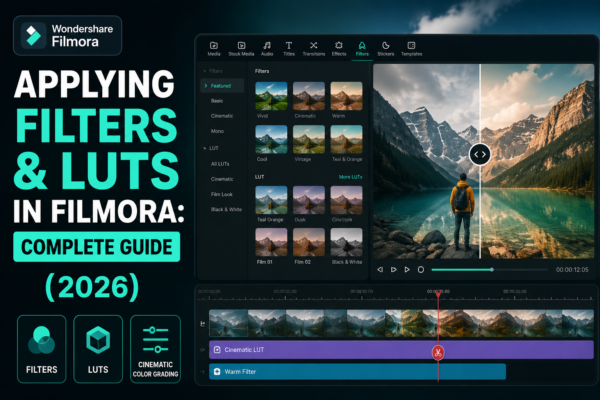
Applying Filters and LUTs in Filmora: Complete Guide (2026)
Applying filters and LUTs in Filmora helps you instantly enhance video colors, mood, and cinematic style. Filters are preset visual effects, while LUTs (Look-Up Tables) adjust color grading professionally. In Wondershare Filmora, you can apply them via the Effects or Color tab, then customize intensity for a polished, professional look in just a few clicks. […]
Read More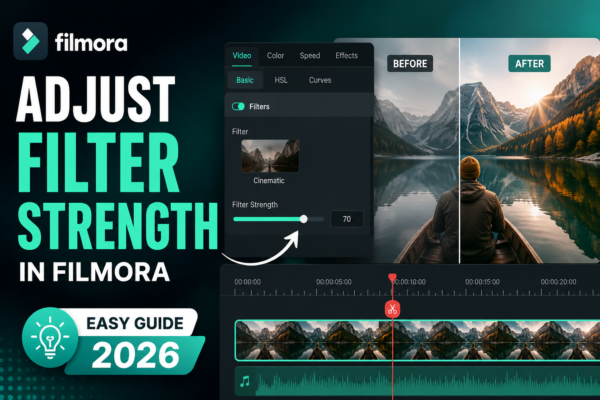
Adjust Filter Strength in Filmora (Easy Guide 2026)
Adjusting filter strength in Filmora allows you to control how intense a filter effect appears on your video. You can do this by selecting a filter from the Effects panel, dragging it onto your clip, and then using the adjustment slider in the settings panel to increase or decrease intensity for a natural or stylized […]
Read More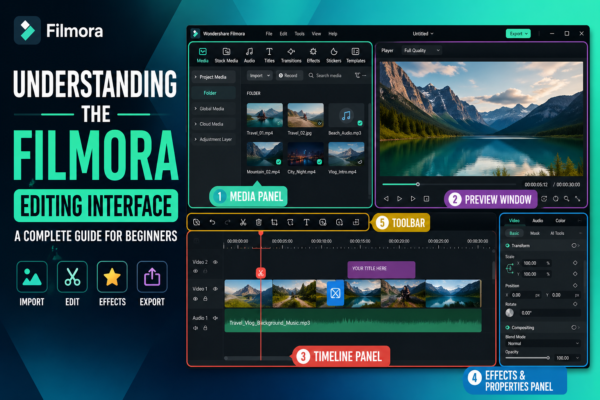
Understanding the Filmora Editing Interface: Complete Beginner Guide
If you’ve ever opened a video editor like Wondershare Filmora https://filmora.wondershare.com/ for the first time, you probably felt a mix of excitement and confusion. Buttons everywhere, timelines, panels, previews—it can look overwhelming. But here’s the truth: once you understand the Filmora editing interface, everything starts to feel intuitive. Editing becomes less about “figuring out the […]
Read More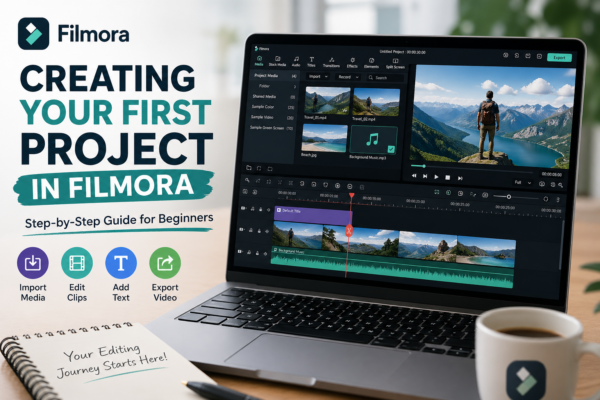
Creating Your First Project in Filmora: Step-by-Step Guide (2026)
Starting video editing can feel overwhelming, especially if you’re new to tools like Filmora. Many beginners open the software, see multiple panels, buttons, and timelines—and immediately feel stuck. But here’s the truth: your first project is not about perfection; it’s about understanding the workflow. In this guide, you’ll learn creating your first project in Filmora […]
Read More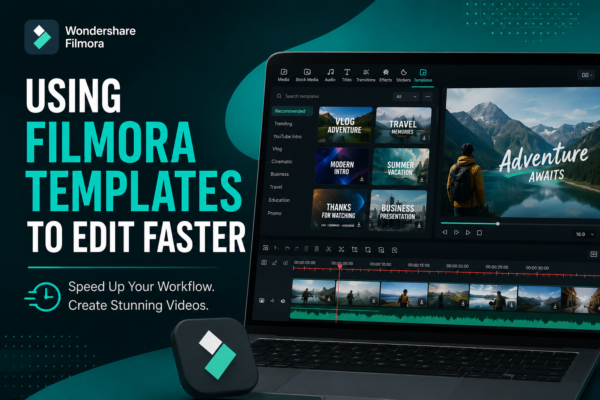
Using Filmora Templates to Edit Faster (Pro Guide)
Video editing can feel overwhelming—especially when you’re juggling deadlines, content ideas, and technical settings. If you’ve ever spent hours tweaking transitions or aligning text, you’re not alone. Here’s the good news: Filmora templates can cut your editing time in half—without sacrificing quality. In this guide, you’ll learn how to use Filmora templates to edit faster, […]
Read More
YouTube Video Editing Pricing in 2026 | Complete Cost Guide
YouTube video editing pricing in 2026 typically ranges from $30 to $1000+ per video depending on video length, editing complexity, turnaround time, and the editor’s expertise. Basic edits cost less, while professional retention-focused editing with motion graphics, subtitles, and branding costs significantly more. Why Understanding YouTube Video Editing Pricing Matters Many creators ask the same […]
Read More
Exporting Videos in High Quality in Filmora (Step-by-Step Guide)
Creating a great video is only half the job—exporting it correctly is what truly determines how professional it looks. Many beginners spend hours editing in Filmora video editor, only to end up with blurry or compressed results after export. If that sounds familiar, don’t worry—you’re not alone. This guide will show you exactly how to […]
Read More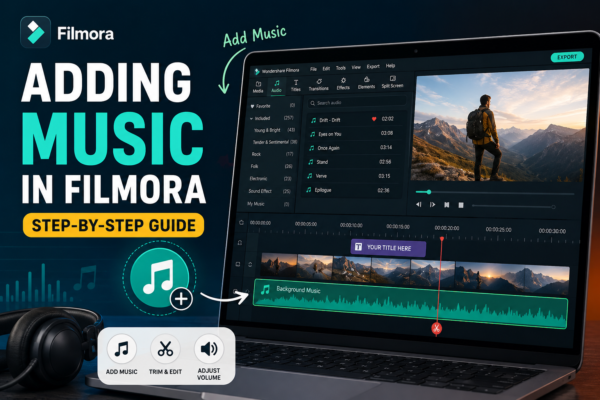
Adding Music in Filmora (Step-by-Step Guide)
Ever watched a video that felt… empty? Chances are, it was missing one crucial ingredient: music. Whether you’re creating YouTube content, Instagram reels, or cinematic travel videos, background music can transform a dull clip into an emotional, engaging story. The good news? If you’re using Filmora, adding music is incredibly simple—but doing it well is […]
Read More
Best Filmora Export Settings for Instagram & TikTok
Creating videos that look amazing on your laptop is one thing—but making them look perfect on Instagram Reels or TikTok is a completely different game. If you’ve ever exported a video from Filmora https://filmora.wondershare.com/ and thought, “Why does this look blurry on my phone?”, you’re not alone. The truth? Social platforms compress your videos heavily. […]
Read More










