
Split-Screen Videos in Filmora (Step-by-Step Guide)
Ever watched a video where two clips play side by side and thought, “That looks cool, but how do they do it?” That effect is called a split-screen video, and it’s one of the easiest ways to make your content look professional—especially for YouTube, tutorials, reactions, and comparisons. The good news? You don’t need advanced […]
Read More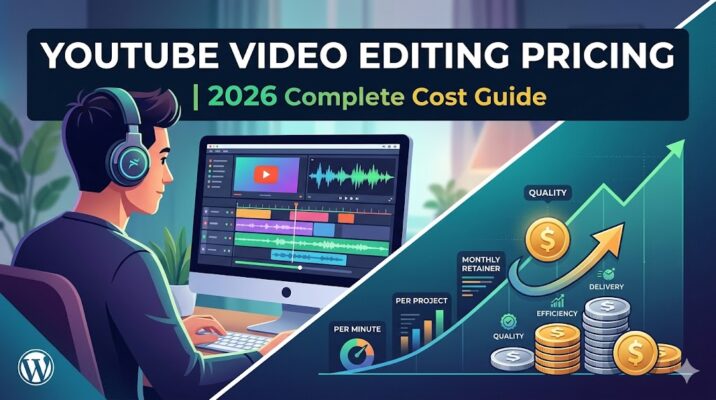
YouTube Video Editing Pricing in 2026 | Complete Cost Guide
YouTube video editing pricing in 2026 typically ranges from $30 to $1000+ per video depending on video length, editing complexity, turnaround time, and the editor’s expertise. Basic edits cost less, while professional retention-focused editing with motion graphics, subtitles, and branding costs significantly more. Why Understanding YouTube Video Editing Pricing Matters Many creators ask the same […]
Read More
10 Signs You Need a Professional YouTube Video Editor
You started your YouTube https://www.youtube.com/ channel with excitement—shooting videos, sharing ideas, and dreaming of growth. But somewhere along the way, editing became a bottleneck. Hours disappear into timelines, cuts feel clunky, and your content doesn’t look as polished as top creators. Here’s the truth: editing isn’t just a technical task—it’s storytelling, branding, and audience retention […]
Read More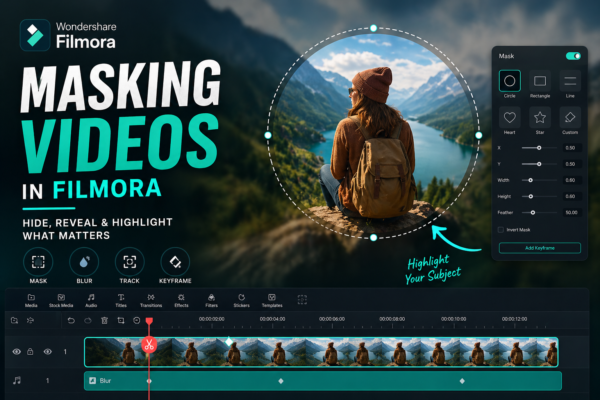
Masking Videos in Filmora: Complete Beginner to Pro Guide
Video editing isn’t just about cutting clips anymore—it’s about storytelling. And sometimes, the difference between an average video and a professional one comes down to a single feature: masking. If you’ve ever wondered how creators blur faces, create cinematic transitions, or reveal text inside objects, the answer is simple—masking videos in Filmora. In this guide, […]
Read More
Blending Modes in Filmora Explained (Beginner to Pro)
If you’ve ever watched a cinematic video with glowing lights, dreamy overlays, or seamless double eIf you’ve ever watched a cinematic video with glowing lights, dreamy overlays, or seamless double exposure effects, then you’ve already seen blending modes in action. In fact, these effects are used everywhere—from YouTube edits to professional films. The good news, […]
Read More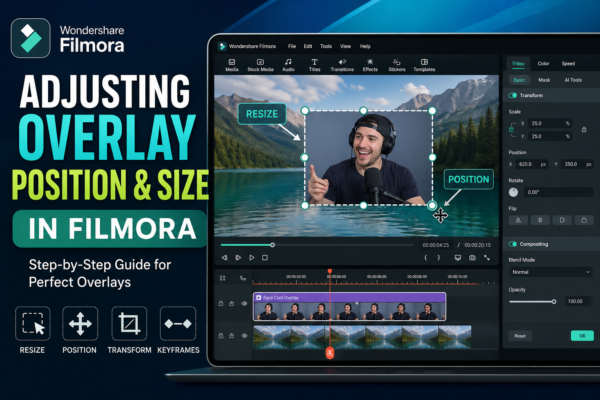
Adjusting Overlay Position & Size in Filmora (Easy Guide)
If you’ve ever added an overlay in your video and thought, “Why doesn’t this look right?” — you’re not alone. Getting the perfect size and position is what separates amateur edits from professional-looking videos. In this guide, you’ll learn exactly how to adjust overlay position and size in Wondershare Filmora using simple steps, plus pro […]
Read More
Picture-in-Picture Effect in Filmora (Easy Guide 2026)
Ever watched a YouTube video where the creator appears in a small corner while something else plays on screen? That’s called the Picture-in-Picture (PiP) effect—and it’s one of the most powerful editing techniques for engaging content. If you’re using Filmora https://filmora.wondershare.com/ the good news is: creating this effect is incredibly easy—even for beginners. In this […]
Read More
Muting and Replacing Audio in Filmora (Step-by-Step Guide)
Audio can make or break your video. You might have the perfect visuals, but background noise, poor narration, or unwanted sound can ruin the entire experience. That’s where learning how to mute and replace audio in Filmora becomes a game-changer. Whether you’re editing YouTube videos, reels, tutorials, or client projects, mastering audio control gives your […]
Read More
Changing Audio Speed in Filmora (Easy Step-by-Step Guide)
Ever recorded a video where the audio feels too slow… or maybe too fast to understand? You’re not alone. Whether you’re creating YouTube videos, tutorials, or social media content, audio pacing plays a huge role in how your content is perceived. The good news? Filmora makes it incredibly easy to adjust audio speed without needing […]
Read More










