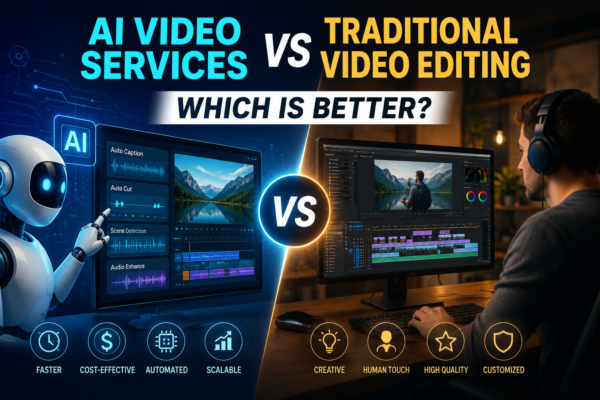
AI Video Services vs Traditional Video Editing: Which Is Better?
Video content has become one of the most effective ways to engage audiences, promote businesses, and grow online. Whether you’re a YouTuber, marketer, business owner, or content creator, producing high-quality videos consistently is more important than ever. But there’s a question many creators are asking today: Should you use AI Video Services or stick with […]
Read More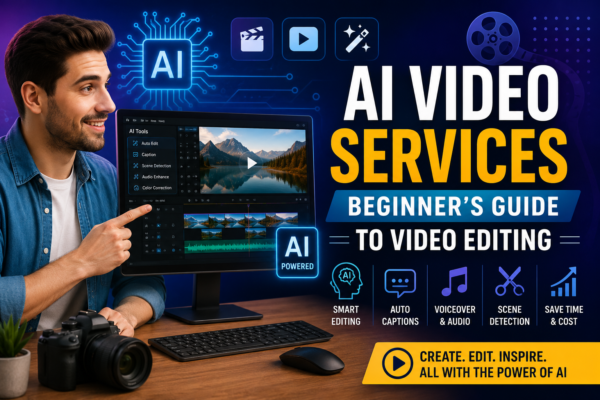
AI Video Services: Beginner’s Guide to Video Editing
AI video services are changing how businesses, marketers, and content creators produce videos. What once required a full production team and hours of editing can now be streamlined with artificial intelligence. Whether you want to create social media clips, promotional videos, tutorials, or YouTube content, AI Video Services and Video Editing Services can help you […]
Read More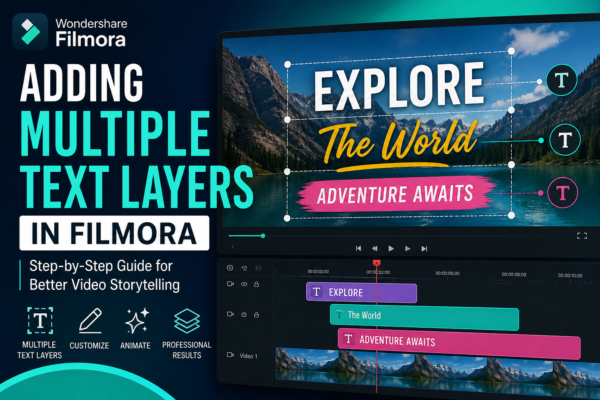
Adding Multiple Text Layers in Filmora (Easy Guide)
If you’ve ever watched a YouTube video, TikTok edit, or Instagram reel with animated titles, captions, and overlays appearing at different moments, you’ve already seen the power of multiple text layers in action. In modern video editing, especially using tools like Filmora, text is no longer just a subtitle—it’s a storytelling tool. But here’s the […]
Read More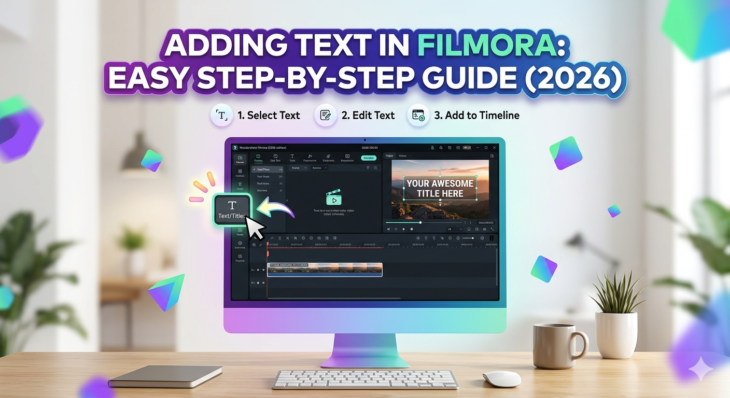
Adding Text in Filmora: Easy Step-by-Step Guide (2026)
Adding text in videos is one of the most powerful editing techniques used in modern content creation. Whether you’re making YouTube videos, TikTok edits, tutorials, or business promos, adding text in Filmora helps you communicate clearly, grab attention, and improve storytelling. The challenge? Many beginners struggle to find the right tools or understand how to […]
Read More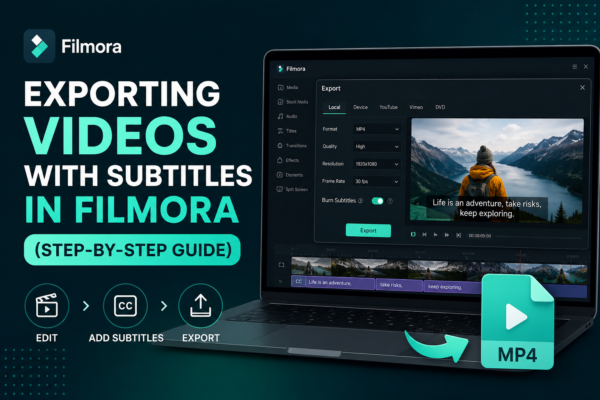
Exporting Videos with Subtitles in Filmora (Step-by-Step Guide)
Exporting videos with subtitles in Filmora is done by first adding or importing subtitles into your timeline, then using the export settings in Wondershare Filmora. Enable subtitle embedding or export them as a separate file (SRT). Choose your format (MP4 recommended), adjust quality settings, and click export. This ensures subtitles appear permanently or as a […]
Read More
Taking Snapshots from Videos in Filmora (Easy Guide)
Have you ever watched a video and wished you could capture a perfect moment as a still image? Whether it’s a cinematic frame, a product highlight, or a memorable scene, taking snapshots from videos is a powerful editing technique. In Wondershare Filmora, this process is simple yet highly useful for content creators, YouTubers, marketers, and […]
Read More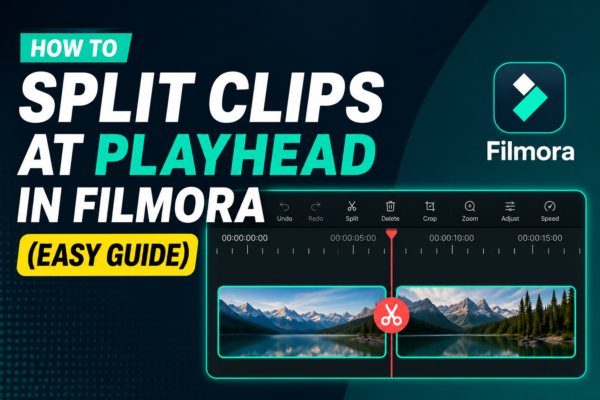
How to Split Clips at Playhead in Filmora (Easy Guide)
Splitting clips at the playhead in Filmora is a basic video editing technique that allows you to cut a video precisely where the timeline cursor (playhead) is placed. Simply position the playhead on the desired frame, select the clip, and click the Split Tool (scissors icon) or press Ctrl + B. This creates two separate […]
Read More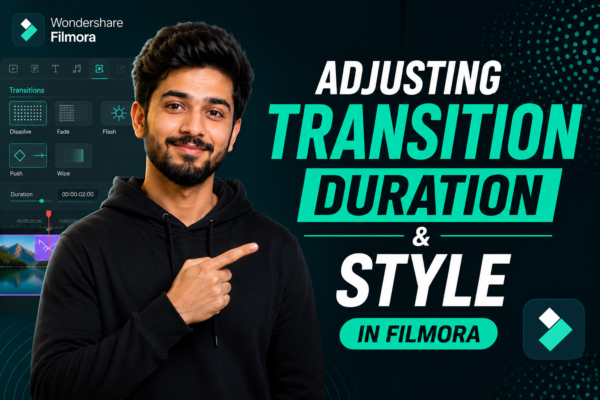
Adjusting Transition Duration and Style in Filmora
Video editing is not just about cutting clips—it’s about storytelling. One of the most powerful yet underrated tools in editing is transitions. When used correctly in Filmora, transitions can completely transform your video flow, making it more professional, cinematic, and engaging. But here’s the challenge: many beginners either overuse transitions or don’t know how to […]
Read More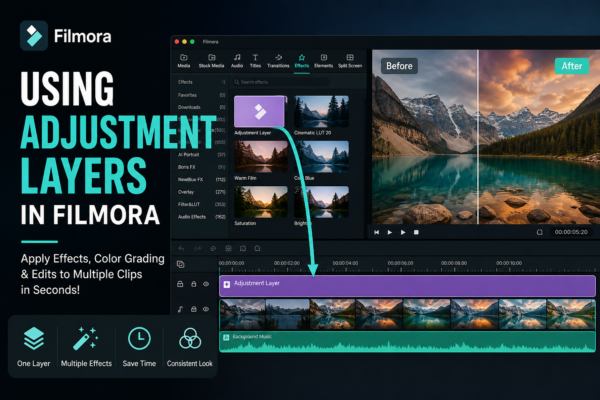
Using Adjustment Layers in Filmora (Complete Guide)
If you’ve ever spent hours applying the same effect or color correction to multiple clips in your video timeline, you already know how frustrating repetitive editing can be. That’s exactly where adjustment layers in Filmora become a game-changer. Instead of editing each clip individually, adjustment layers let you apply effects across multiple clips at once—saving […]
Read More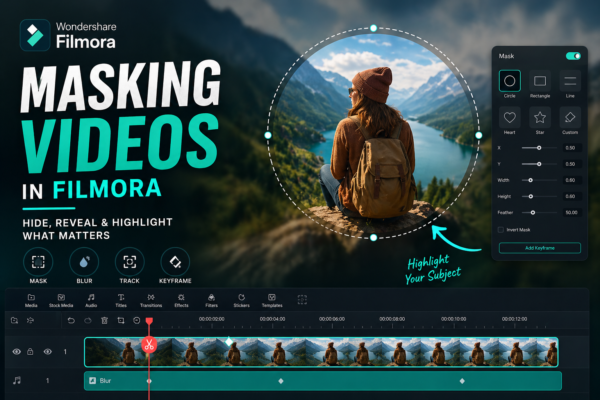
Masking Videos in Filmora: Complete Beginner to Pro Guide
Video editing isn’t just about cutting clips anymore—it’s about storytelling. And sometimes, the difference between an average video and a professional one comes down to a single feature: masking. If you’ve ever wondered how creators blur faces, create cinematic transitions, or reveal text inside objects, the answer is simple—masking videos in Filmora. In this guide, […]
Read More










