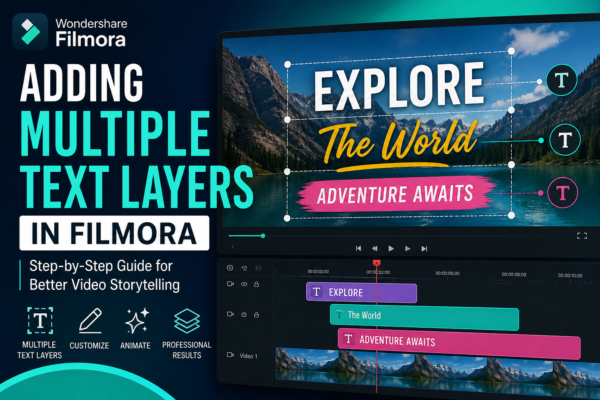
Adding Multiple Text Layers in Filmora (Easy Guide)
If you’ve ever watched a YouTube video, TikTok edit, or Instagram reel with animated titles, captions, and overlays appearing at different moments, you’ve already seen the power of multiple text layers in action. In modern video editing, especially using tools like Filmora, text is no longer just a subtitle—it’s a storytelling tool. But here’s the […]
Read More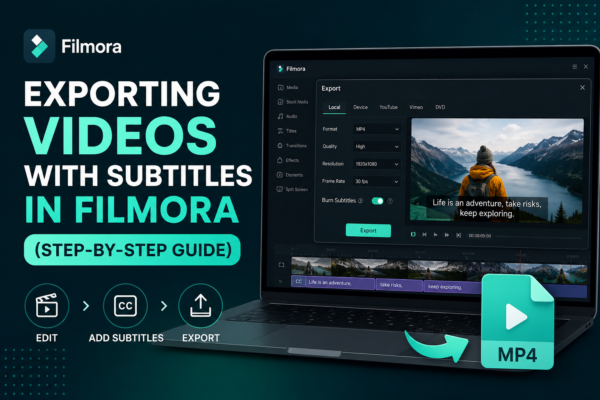
Exporting Videos with Subtitles in Filmora (Step-by-Step Guide)
Exporting videos with subtitles in Filmora is done by first adding or importing subtitles into your timeline, then using the export settings in Wondershare Filmora. Enable subtitle embedding or export them as a separate file (SRT). Choose your format (MP4 recommended), adjust quality settings, and click export. This ensures subtitles appear permanently or as a […]
Read More
Taking Snapshots from Videos in Filmora (Easy Guide)
Have you ever watched a video and wished you could capture a perfect moment as a still image? Whether it’s a cinematic frame, a product highlight, or a memorable scene, taking snapshots from videos is a powerful editing technique. In Wondershare Filmora, this process is simple yet highly useful for content creators, YouTubers, marketers, and […]
Read More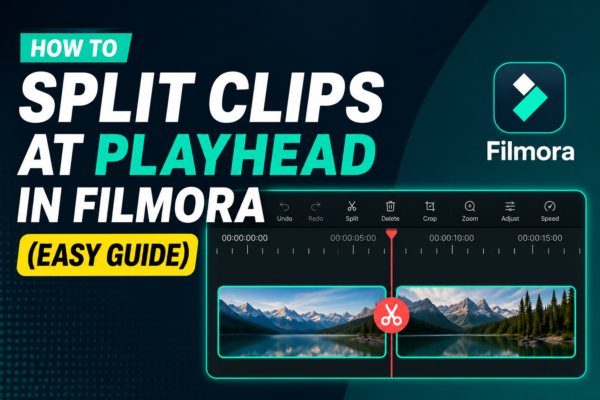
How to Split Clips at Playhead in Filmora (Easy Guide)
Splitting clips at the playhead in Filmora is a basic video editing technique that allows you to cut a video precisely where the timeline cursor (playhead) is placed. Simply position the playhead on the desired frame, select the clip, and click the Split Tool (scissors icon) or press Ctrl + B. This creates two separate […]
Read More
Adding Clips to Timeline in Filmora: Step-by-Step Guide
Adding clips to the timeline in Filmora is the process of dragging or importing video, audio, or image files into the editing timeline area. This allows you to arrange, trim, and edit your media in sequence. Simply import your files, drag them to the timeline, and start building your video story step by step. Why […]
Read More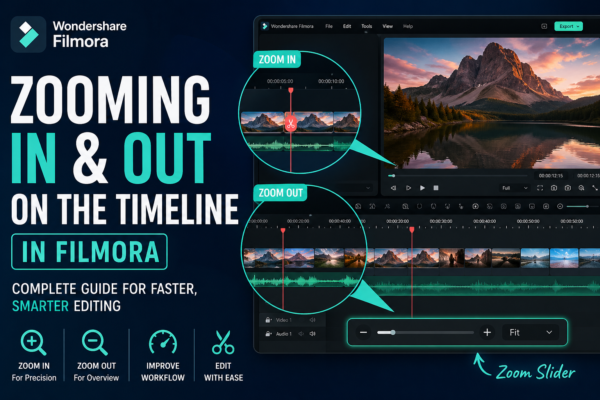
Zooming In and Out on Filmora Timeline: Complete Guide
Zooming In and Out on Filmora Timeline allows video editors to control how closely they view their editing workspace. It helps improve precision when cutting clips, arranging scenes, and adding effects. In Wondershare Filmora, you can zoom using the timeline slider, mouse scroll, or shortcut keys for faster editing efficiency. Why Timeline Zoom Matters in […]
Read More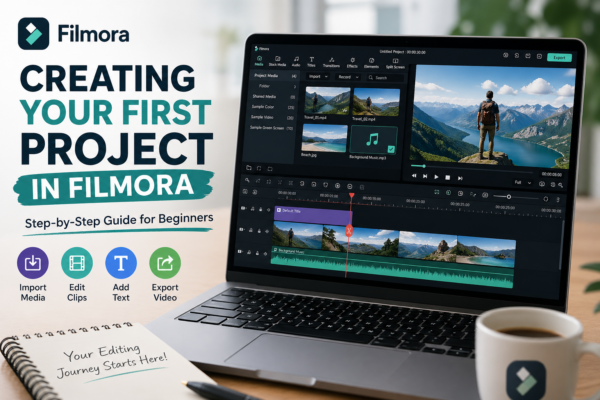
Creating Your First Project in Filmora: Step-by-Step Guide (2026)
Starting video editing can feel overwhelming, especially if you’re new to tools like Filmora. Many beginners open the software, see multiple panels, buttons, and timelines—and immediately feel stuck. But here’s the truth: your first project is not about perfection; it’s about understanding the workflow. In this guide, you’ll learn creating your first project in Filmora […]
Read More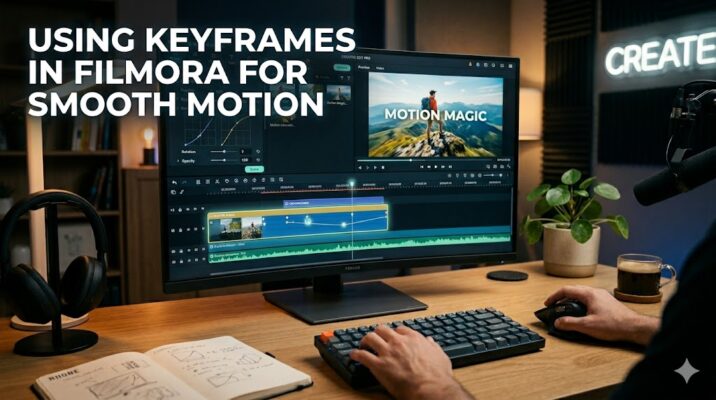
Using Keyframes in Filmora for Smooth Motion
If your videos feel static or “flat,” keyframes are the missing ingredient. They turn simple clips into dynamic, engaging visuals—without needing advanced animation skills. Whether you’re editing YouTube videos, reels, or tutorials, mastering keyframes in Filmora can instantly level up your content. Quick Answer Keyframes in Filmora allow you to create motion by setting specific […]
Read More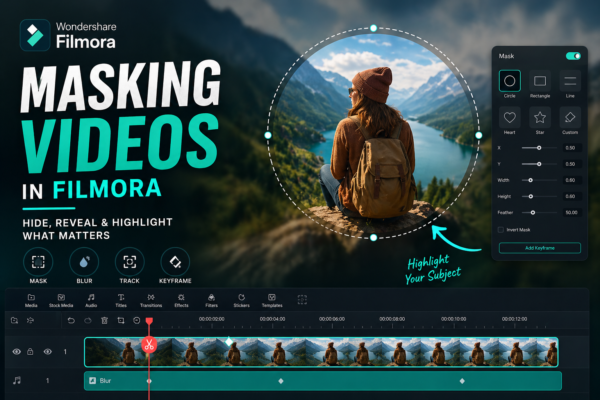
Masking Videos in Filmora: Complete Beginner to Pro Guide
Video editing isn’t just about cutting clips anymore—it’s about storytelling. And sometimes, the difference between an average video and a professional one comes down to a single feature: masking. If you’ve ever wondered how creators blur faces, create cinematic transitions, or reveal text inside objects, the answer is simple—masking videos in Filmora. In this guide, […]
Read More
Blending Modes in Filmora Explained (Beginner to Pro)
If you’ve ever watched a cinematic video with glowing lights, dreamy overlays, or seamless double eIf you’ve ever watched a cinematic video with glowing lights, dreamy overlays, or seamless double exposure effects, then you’ve already seen blending modes in action. In fact, these effects are used everywhere—from YouTube edits to professional films. The good news, […]
Read More










