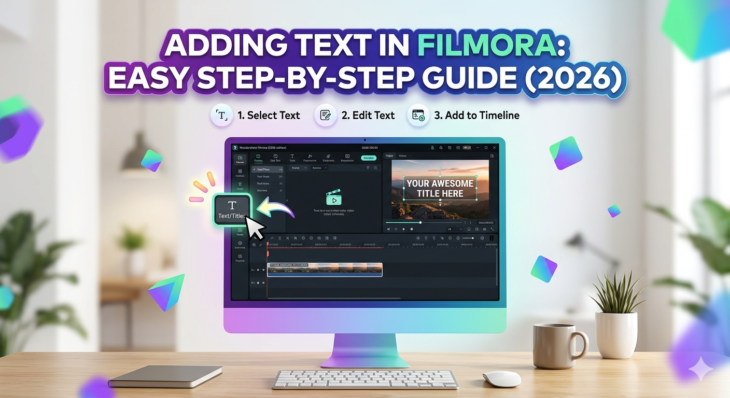
Adding Text in Filmora: Easy Step-by-Step Guide (2026)
Adding text in videos is one of the most powerful editing techniques used in modern content creation. Whether you’re making YouTube videos, TikTok edits, tutorials, or business promos, adding text in Filmora helps you communicate clearly, grab attention, and improve storytelling. The challenge? Many beginners struggle to find the right tools or understand how to […]
Read More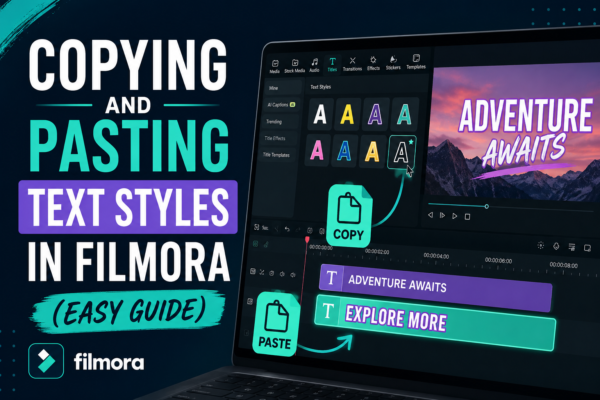
Copying and Pasting Text Styles in Filmora (Easy Guide)
If you’ve ever spent time perfecting a text style in a video only to realize you need the same look again elsewhere, you already know how frustrating it can be to repeat the same formatting work. Fonts, colors, shadows, animations—rebuilding everything manually slows down your editing workflow. This is where Copying and Pasting Text Styles […]
Read More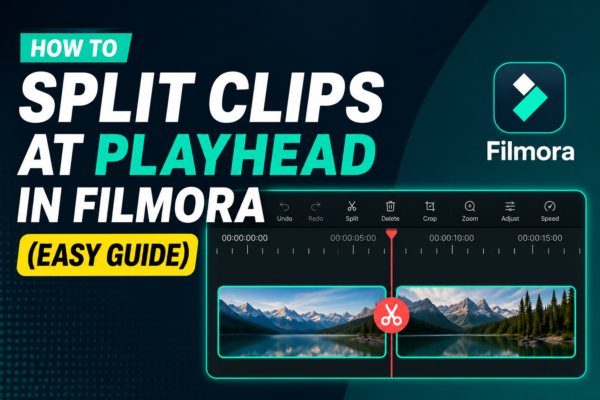
How to Split Clips at Playhead in Filmora (Easy Guide)
Splitting clips at the playhead in Filmora is a basic video editing technique that allows you to cut a video precisely where the timeline cursor (playhead) is placed. Simply position the playhead on the desired frame, select the clip, and click the Split Tool (scissors icon) or press Ctrl + B. This creates two separate […]
Read More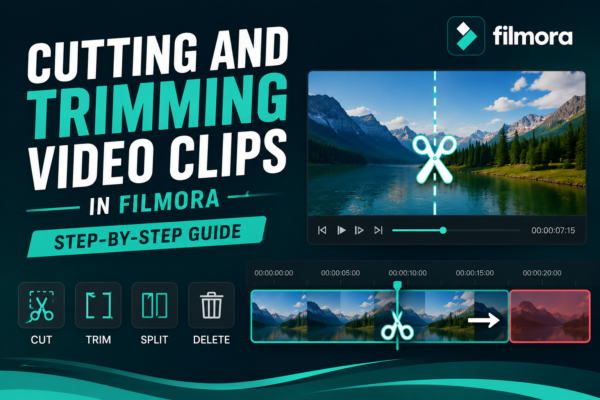
Cutting and Trimming Video Clips in Filmora: Step-by-Step Guide
If you’ve ever watched a polished YouTube video, Instagram reel, or tutorial and wondered why it feels so smooth, the secret is simple: precise cutting and trimming. Raw footage is almost never perfect. There are pauses, mistakes, unnecessary parts, and awkward transitions. That’s where cutting and trimming video clips in Filmora becomes essential https://filmora.wondershare.com/guide/trim-split-cut.html Wondershare […]
Read More
Adding Clips to Timeline in Filmora: Step-by-Step Guide
Adding clips to the timeline in Filmora is the process of dragging or importing video, audio, or image files into the editing timeline area. This allows you to arrange, trim, and edit your media in sequence. Simply import your files, drag them to the timeline, and start building your video story step by step. Why […]
Read More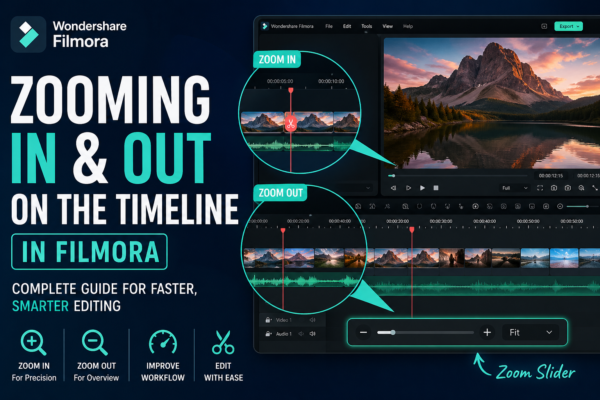
Zooming In and Out on Filmora Timeline: Complete Guide
Zooming In and Out on Filmora Timeline allows video editors to control how closely they view their editing workspace. It helps improve precision when cutting clips, arranging scenes, and adding effects. In Wondershare Filmora, you can zoom using the timeline slider, mouse scroll, or shortcut keys for faster editing efficiency. Why Timeline Zoom Matters in […]
Read More
Creating Your First Project in Filmora: Step-by-Step Guide (2026)
Starting video editing can feel overwhelming, especially if you’re new to tools like Filmora. Many beginners open the software, see multiple panels, buttons, and timelines—and immediately feel stuck. But here’s the truth: your first project is not about perfection; it’s about understanding the workflow. In this guide, you’ll learn creating your first project in Filmora […]
Read More
Creating Smooth Zoom Effects in Filmora (Step-by-Step Guide)
Ever watched a video where the camera slowly zooms in and instantly makes everything feel more cinematic and engaging? That subtle motion isn’t accidental—it’s a carefully crafted zoom effect. If your videos feel flat or static, adding smooth zoom effects can completely transform them. The good news? You don’t need advanced editing skills to do […]
Read More
Remove Background Noise in Filmora (Step-by-Step Guide)
You’ve recorded the perfect video—great visuals, clear message—but there’s one problem: annoying background noise. Whether it’s wind, traffic, fan hum, or random chatter, poor audio can instantly reduce the quality of your content. The good news? You don’t need expensive software or studio equipment. With Filmora https://filmora.wondershare.com/ you can clean up your audio in just […]
Read More
Glitch & Distortion Effects in Filmora – Easy Guide 2026
Ever watched a video where the screen flickers, colors break apart, or visuals look digitally “damaged”—yet incredibly cool? That’s the magic of glitch and distortion effects. If you’re using Filmora, you already have powerful tools to create these eye-catching visuals without advanced editing skills. Whether you’re making YouTube videos, cinematic edits, or social media content, […]
Read More










