
Picture-in-Picture Effect in Filmora (Easy Guide 2026)
Ever watched a YouTube video where the creator appears in a small corner while something else plays on screen? That’s called the Picture-in-Picture (PiP) effect—and it’s one of the most powerful editing techniques for engaging content. If you’re using Filmora https://filmora.wondershare.com/ the good news is: creating this effect is incredibly easy—even for beginners. In this […]
Read More
Detaching Audio from Video in Filmora (Step-by-Step Guide)
Editing videos without separating audio is like cooking without seasoning—you miss full control. Whether you’re removing background noise, adding voiceovers, or syncing music, detaching audio is a must-have skill. In this guide, you’ll learn how to detach audio from video in Filmora with simple steps, real-world use cases, and expert tips to level up your […]
Read More
Sync Audio with Video in Filmora (Easy Step-by-Step Guide)
Ever recorded a perfect video but the audio feels slightly off? Maybe the lips don’t match the voice, or background sound feels delayed. This is one of the most common editing problems—and thankfully, it’s easy to fix using Wondershare Filmora. In this guide, you’ll learn exactly how to sync audio with video in Filmora, even […]
Read More
Fade In and Fade Out Audio in Filmora (Step-by-Step Guide)
Ever watched a video where the audio suddenly starts or cuts off awkwardly? It feels unprofessional and jarring. That’s where fade in and fade out audio comes in. If you’re using Wondershare Filmora https://filmora.wondershare.com/ mastering audio fades can instantly upgrade your videos—whether you’re editing YouTube content, reels, or tutorials. In this guide, you’ll learn exactly […]
Read More
Filmora Home Screen Explained: Complete Beginner Guide
When you open Wondershare Filmora for the first time, the Filmora Home Screen is the first interface you interact with. For beginners, this screen may look simple, but it actually acts as the central hub for starting, managing, and organizing video editing projects. If you haven’t installed the software yet, you can first read our […]
Read More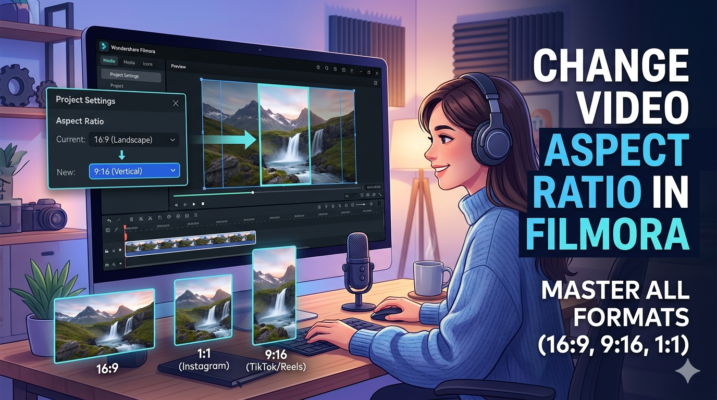
Changing Video Aspect Ratio in Filmora (Beginner Guide)
Creating videos for different platforms can be tricky because each platform prefers a different video aspect ratio. For example, YouTube videos usually use 16:9, Instagram posts use 1:1, and TikTok prefers 9:16 vertical videos. If you’re using Wondershare Filmora, changing the aspect ratio is surprisingly easy. Whether you want to convert a landscape video into […]
Read More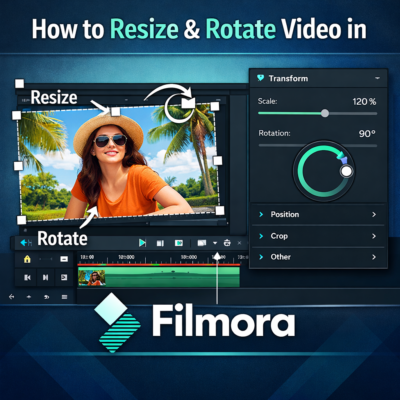
Resize and Rotate Video in Filmora (Beginner Guide)
Video editing often requires adjusting the size or orientation of clips to make them fit perfectly within your project. Whether you’re creating YouTube videos, social media reels, or tutorials, knowing how to resize and rotate video in Filmora can significantly improve your video quality and visual presentation. Wondershare Filmora is one of the most beginner-friendly […]
Read More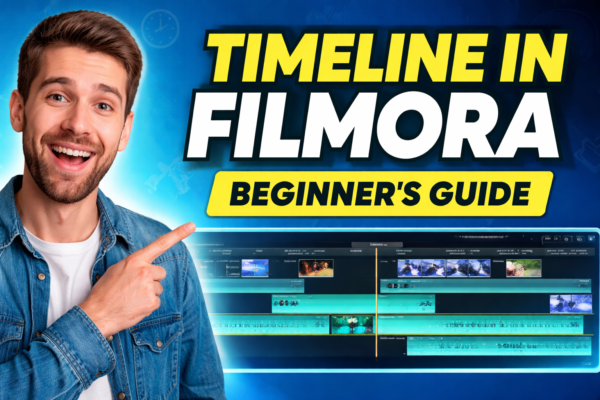
Timeline in Filmora Explained for Beginners
Video editing becomes much easier once you understand the Timeline in Filmora. If you’re new to video editing, you can first read our guide on what is Filmora and what you can create with it to understand the software before learning about the timeline https://youtubevideoeditingservices.com/what-is-filmora-video-editing-guide/ If you haven’t installed the software yet, you can follow […]
Read More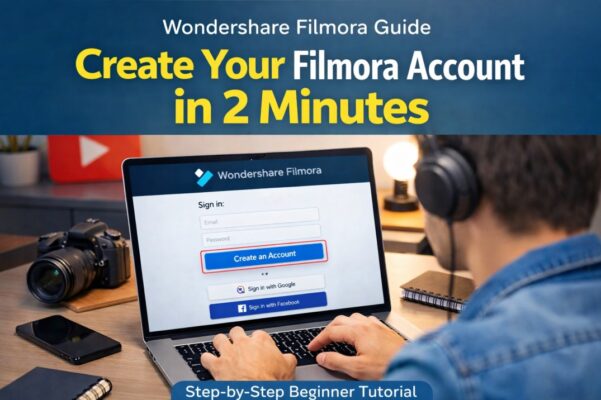
How to Create Filmora Account (Step-by-Step Guide)
Video editing has become an essential skill for YouTubers, freelancers, marketers, and content creators. Tools like Wondershare Filmora make editing simple while still offering powerful professional features. If you haven’t installed the software yet, check our complete guide on How to Download and Install Filmora https://youtubevideoeditingservices.com/how-to-install-filmora-windows-mac/to get the program running on your computer in just […]
Read More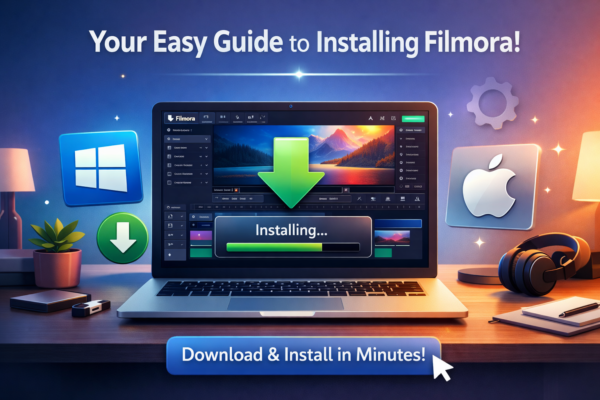
How to Download and Install Filmora (Windows & Mac)
Video editing has become an essential skill for YouTubers, freelancers, marketers, and content creators. If you’re looking for beginner-friendly editing software that still offers professional features, it’s easy to download and install Filmora, and Wondershare Filmora is one of the best options available today. However, many beginners get confused when they first try to download […]
Read More










