
Removing or Resetting Effects in Filmora (Easy Guide 2026)
If you’ve ever edited a video in Filmora and suddenly realized an effect doesn’t look right, you’re not alone. Many beginners and even experienced editors accidentally apply filters, transitions, or visual effects that don’t fit their project. The good news? Filmora makes it easy to fix these mistakes. In this guide, you’ll learn how to […]
Read More
Filmora Home Screen Explained: Complete Beginner Guide
When you open Wondershare Filmora for the first time, the Filmora Home Screen is the first interface you interact with. For beginners, this screen may look simple, but it actually acts as the central hub for starting, managing, and organizing video editing projects. If you haven’t installed the software yet, you can first read our […]
Read More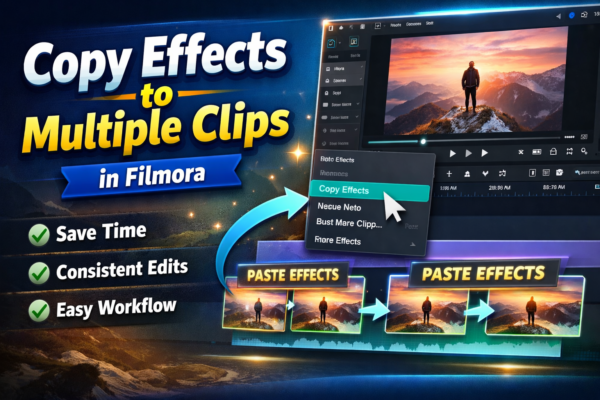
How to Copy Effects to Multiple Clips in Filmora (Easy Guide)
Editing videos can feel repetitive—especially when you apply the same effect again and again. If you’re using Wondershare Filmora, there’s a much faster way to streamline your workflow. Learn more in our detailed guide on How to Apply Effects in Filmora to Specific Clips (Step-by-Step Guide) https://youtubevideoeditingservices.com/apply-effects-in-filmora-specific-clips/👉to gain precise control over your edits and enhance […]
Read More
How to Apply Effects in Filmora to Specific Clips
When editing videos, one of the most common beginner mistakes is applying effects in Filmora to the entire timeline instead of specific clips. This can ruin storytelling, reduce clarity, and make videos look unprofessional. In modern editing workflows using Filmora, creators want precision—meaning each clip should have its own unique visual style. Whether you’re making […]
Read More
Adjust Video Speed in Filmora (Slow & Fast Motion Guide)
Ever watched a cinematic slow-motion scene or a fast-forward vlog and wondered how creators do it so smoothly? Adjusting video speed in Filmora is one of the easiest yet most powerful editing techniques to enhance storytelling. Whether you want dramatic slow motion or energetic fast motion, Filmora makes it simple—even for beginners. If you want […]
Read More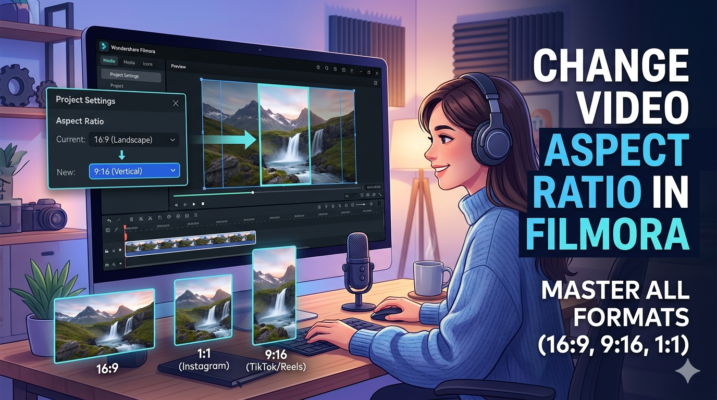
Changing Video Aspect Ratio in Filmora (Beginner Guide)
Creating videos for different platforms can be tricky because each platform prefers a different video aspect ratio. For example, YouTube videos usually use 16:9, Instagram posts use 1:1, and TikTok prefers 9:16 vertical videos. If you’re using Wondershare Filmora, changing the aspect ratio is surprisingly easy. Whether you want to convert a landscape video into […]
Read More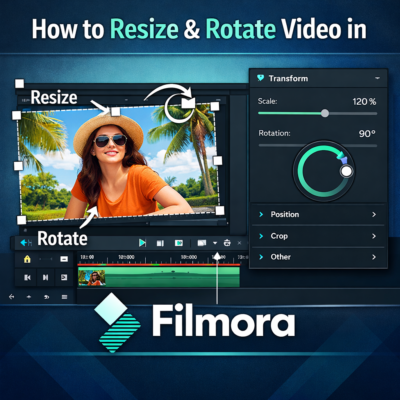
Resize and Rotate Video in Filmora (Beginner Guide)
Video editing often requires adjusting the size or orientation of clips to make them fit perfectly within your project. Whether you’re creating YouTube videos, social media reels, or tutorials, knowing how to resize and rotate video in Filmora can significantly improve your video quality and visual presentation. Wondershare Filmora is one of the most beginner-friendly […]
Read More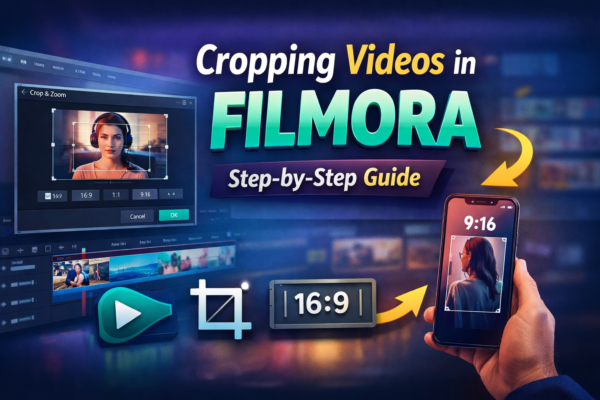
How to Crop Videos in Filmora (Step-by-Step Guide)
Video editing often involves removing unwanted parts of the frame to focus on the most important subject. Whether you’re editing a YouTube video, tutorial, or social media clip, cropping videos in Filmora is one of the easiest ways to improve your video’s composition. Sometimes your video might contain unnecessary background elements, black bars, or distractions. […]
Read More
Undo, Redo & Filmora Keyboard Shortcuts Guide
Video editing can sometimes feel slow and frustrating—especially when you make mistakes or repeat the same tasks over and over. This is where Filmora keyboard shortcuts and the Undo and Redo functions become powerful tools. Whether you’re a beginner learning Wondershare Filmora or a content creator trying to speed up your editing workflow, mastering these […]
Read More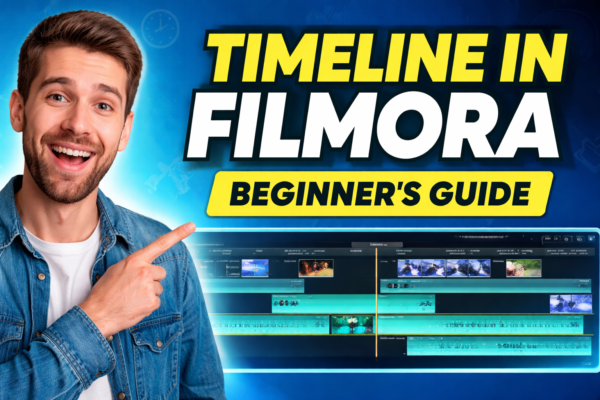
Timeline in Filmora Explained for Beginners
Video editing becomes much easier once you understand the Timeline in Filmora. If you’re new to video editing, you can first read our guide on what is Filmora and what you can create with it to understand the software before learning about the timeline https://youtubevideoeditingservices.com/what-is-filmora-video-editing-guide/ If you haven’t installed the software yet, you can follow […]
Read More










