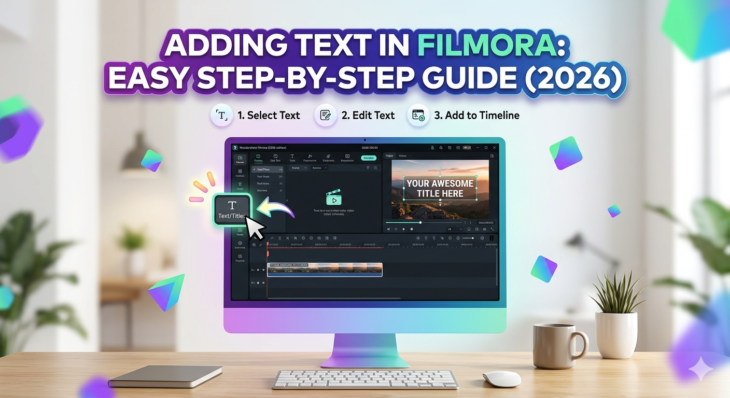
Adding Text in Filmora: Easy Step-by-Step Guide (2026)
Adding text in videos is one of the most powerful editing techniques used in modern content creation. Whether you’re making YouTube videos, TikTok edits, tutorials, or business promos, adding text in Filmora helps you communicate clearly, grab attention, and improve storytelling. The challenge? Many beginners struggle to find the right tools or understand how to […]
Read More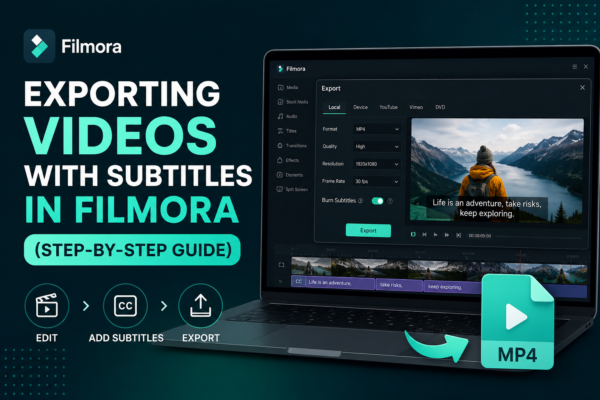
Exporting Videos with Subtitles in Filmora (Step-by-Step Guide)
Exporting videos with subtitles in Filmora is done by first adding or importing subtitles into your timeline, then using the export settings in Wondershare Filmora. Enable subtitle embedding or export them as a separate file (SRT). Choose your format (MP4 recommended), adjust quality settings, and click export. This ensures subtitles appear permanently or as a […]
Read More
Taking Snapshots from Videos in Filmora (Easy Guide)
Have you ever watched a video and wished you could capture a perfect moment as a still image? Whether it’s a cinematic frame, a product highlight, or a memorable scene, taking snapshots from videos is a powerful editing technique. In Wondershare Filmora, this process is simple yet highly useful for content creators, YouTubers, marketers, and […]
Read More
Adding Clips to Timeline in Filmora: Step-by-Step Guide
Adding clips to the timeline in Filmora is the process of dragging or importing video, audio, or image files into the editing timeline area. This allows you to arrange, trim, and edit your media in sequence. Simply import your files, drag them to the timeline, and start building your video story step by step. Why […]
Read More
Creating Smooth Zoom Effects in Filmora (Step-by-Step Guide)
Ever watched a video where the camera slowly zooms in and instantly makes everything feel more cinematic and engaging? That subtle motion isn’t accidental—it’s a carefully crafted zoom effect. If your videos feel flat or static, adding smooth zoom effects can completely transform them. The good news? You don’t need advanced editing skills to do […]
Read More
Blending Modes in Filmora Explained (Beginner to Pro)
If you’ve ever watched a cinematic video with glowing lights, dreamy overlays, or seamless double eIf you’ve ever watched a cinematic video with glowing lights, dreamy overlays, or seamless double exposure effects, then you’ve already seen blending modes in action. In fact, these effects are used everywhere—from YouTube edits to professional films. The good news, […]
Read More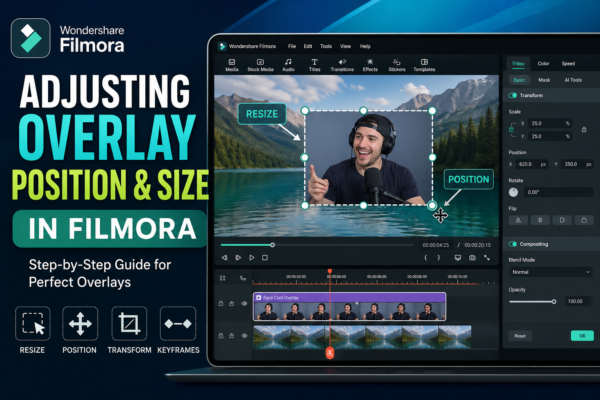
Adjusting Overlay Position & Size in Filmora (Easy Guide)
If you’ve ever added an overlay in your video and thought, “Why doesn’t this look right?” — you’re not alone. Getting the perfect size and position is what separates amateur edits from professional-looking videos. In this guide, you’ll learn exactly how to adjust overlay position and size in Wondershare Filmora using simple steps, plus pro […]
Read More
Muting and Replacing Audio in Filmora (Step-by-Step Guide)
Audio can make or break your video. You might have the perfect visuals, but background noise, poor narration, or unwanted sound can ruin the entire experience. That’s where learning how to mute and replace audio in Filmora becomes a game-changer. Whether you’re editing YouTube videos, reels, tutorials, or client projects, mastering audio control gives your […]
Read More
Glitch & Distortion Effects in Filmora – Easy Guide 2026
Ever watched a video where the screen flickers, colors break apart, or visuals look digitally “damaged”—yet incredibly cool? That’s the magic of glitch and distortion effects. If you’re using Filmora, you already have powerful tools to create these eye-catching visuals without advanced editing skills. Whether you’re making YouTube videos, cinematic edits, or social media content, […]
Read More










