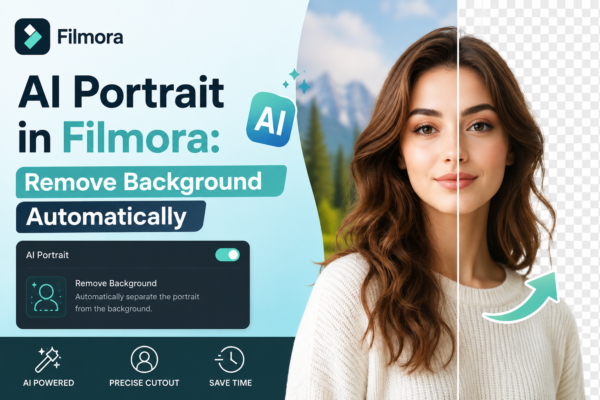
AI Portrait in Filmora: Remove Background Automatically
Creating professional-looking videos used to require green screens, expensive setups, and hours of manual editing. But now, tools like AI Portrait in Wondershare Filmora have completely changed the game. If you’ve ever struggled to remove a background cleanly or wanted to create eye-catching content fast, this guide will walk you through everything—step by step. Quick […]
Read More
Face Detection & Face Effects in Filmora: Complete Guide
Video editing has moved far beyond simple cuts and transitions. Today, viewers expect smooth, intelligent, and visually engaging content. This is where Face Detection and Face Effects in Filmora come into play. Whether you’re a YouTuber, TikTok creator, educator, or marketer, adding smart face-based effects can instantly make your videos more dynamic and professional. From […]
Read More
AI Smart Cutout in Filmora Explained (Easy Guide)
Video editing has changed massively in the last few years. What used to require advanced tools like Adobe After Effects or manual masking can now be done with a single click. One of the most powerful examples of this evolution is the AI Smart Cutout in Filmora. Whether you are a YouTuber, content creator, or […]
Read More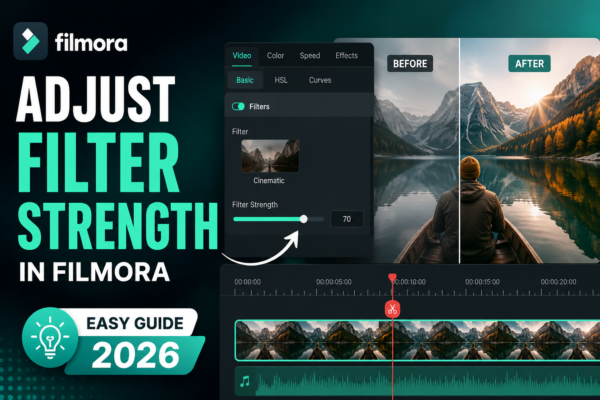
Adjust Filter Strength in Filmora (Easy Guide 2026)
Adjusting filter strength in Filmora allows you to control how intense a filter effect appears on your video. You can do this by selecting a filter from the Effects panel, dragging it onto your clip, and then using the adjustment slider in the settings panel to increase or decrease intensity for a natural or stylized […]
Read More










