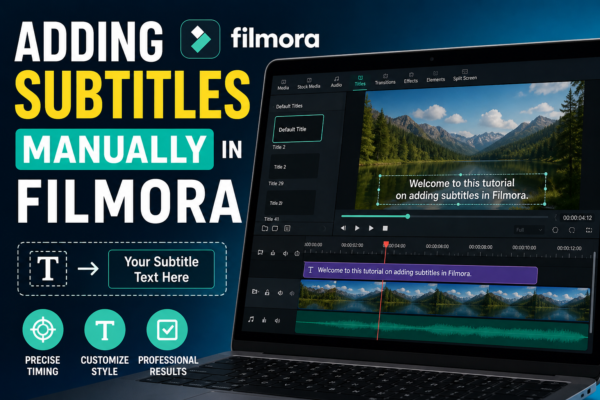
Adding Subtitles Manually in Filmora | Easy Step Guide
Adding subtitles manually in Filmora is done by opening the Text tool, creating title clips, and syncing them with your video timeline. You can type each subtitle line, adjust timing, and customize fonts, colors, and positioning. This method gives full control over accuracy, style, and readability for professional-quality videos. Introduction In today’s digital world, subtitles […]
Read More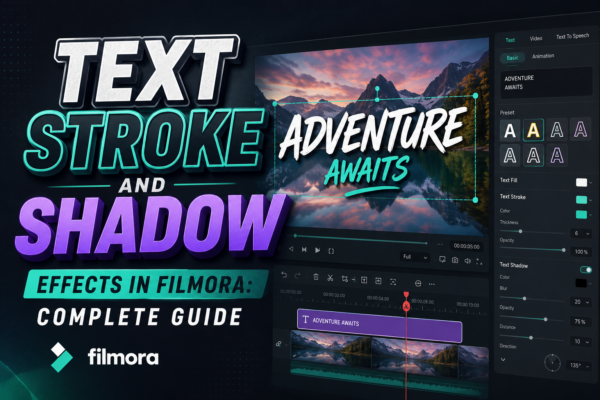
Text Stroke and Shadow Effects in Filmora: Complete Guide
In modern video editing, text is no longer just information—it’s a visual storytelling tool. Whether you’re creating YouTube videos, social media reels, or business promos, the way your text looks can completely change how viewers perceive your content. One of the most powerful ways to elevate your text design is by using stroke and shadow […]
Read More










