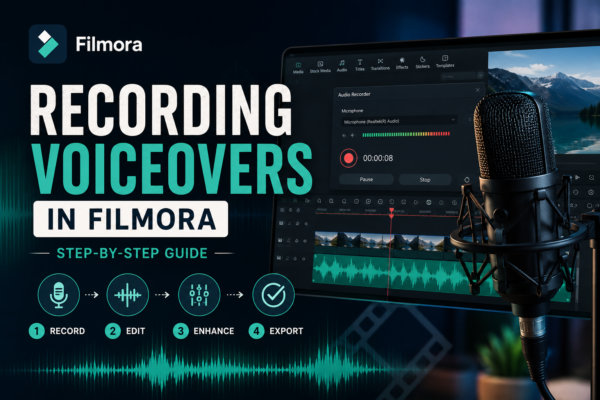
Recording Voiceovers in Filmora: Step-by-Step Guide
Recording voiceovers in Filmora is simple using its built-in voiceover tool. You just open the audio tab, select “Record Voiceover,” adjust your microphone settings, and start speaking while previewing your timeline. It’s ideal for YouTube videos, tutorials, and presentations, offering real-time syncing and easy editing options afterward. Why Voiceovers Matter in Video Editing A great […]
Read More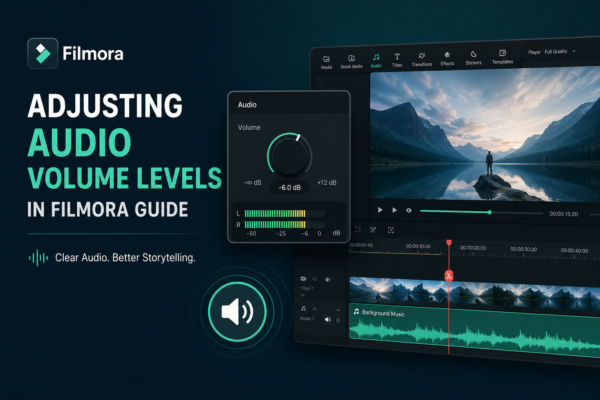
Adjusting Audio Volume Levels in Filmora Guide
You can have stunning visuals, cinematic transitions, and perfect color grading—but if your audio is off, your entire video feels unprofessional. Many beginner editors overlook one crucial detail: audio balance. Whether you’re creating YouTube videos, reels, tutorials, or short films using Wondershare Filmora, controlling sound levels is essential for clarity and engagement. Poor audio can […]
Read More
Balancing Music and Voice Audio in Filmora (Pro Guide)
You can shoot the most visually stunning video, but if the audio is off, viewers will leave within seconds. One of the most common editing struggles creators face is balancing music and voice audio in Filmora https://filmora.wondershare.com/ especially when background music overpowers dialogue or narration becomes too dry without music support. In tools like Filmora, […]
Read More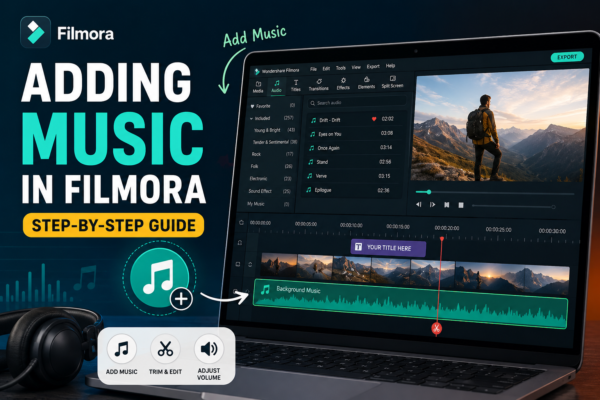
Adding Music in Filmora (Step-by-Step Guide)
Ever watched a video that felt… empty? Chances are, it was missing one crucial ingredient: music. Whether you’re creating YouTube content, Instagram reels, or cinematic travel videos, background music can transform a dull clip into an emotional, engaging story. The good news? If you’re using Filmora, adding music is incredibly simple—but doing it well is […]
Read More
Muting and Replacing Audio in Filmora (Step-by-Step Guide)
Audio can make or break your video. You might have the perfect visuals, but background noise, poor narration, or unwanted sound can ruin the entire experience. That’s where learning how to mute and replace audio in Filmora becomes a game-changer. Whether you’re editing YouTube videos, reels, tutorials, or client projects, mastering audio control gives your […]
Read More
Fade In and Fade Out Audio in Filmora (Step-by-Step Guide)
Ever watched a video where the audio suddenly starts or cuts off awkwardly? It feels unprofessional and jarring. That’s where fade in and fade out audio comes in. If you’re using Wondershare Filmora https://filmora.wondershare.com/ mastering audio fades can instantly upgrade your videos—whether you’re editing YouTube content, reels, or tutorials. In this guide, you’ll learn exactly […]
Read More










