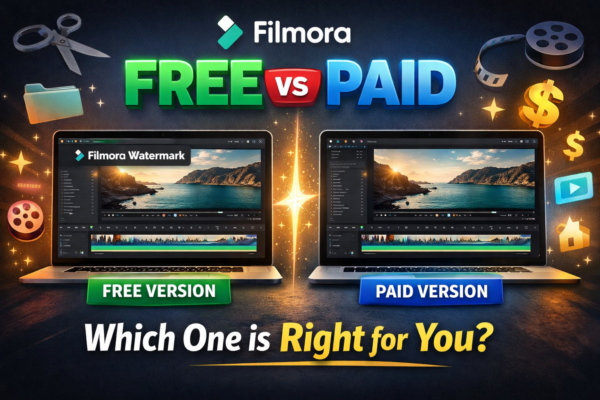
Filmora Free vs Paid Version: Which One Should You Use?
Video editing has become an essential skill for YouTubers, freelancers, marketers, and content creators. Among beginner-friendly editing tools, Wondershare Filmora stands out because it combines professional features with an easy interface. However, many new users face one common question, Filmora Free vs Paid Version which one is better? Should you use the free version or […]
Read More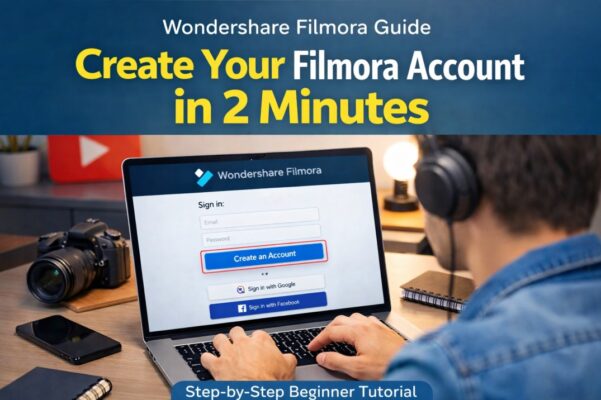
How to Create Filmora Account (Step-by-Step Guide)
Video editing has become an essential skill for YouTubers, freelancers, marketers, and content creators. Tools like Wondershare Filmora make editing simple while still offering powerful professional features. If you haven’t installed the software yet, check our complete guide on How to Download and Install Filmora https://youtubevideoeditingservices.com/how-to-install-filmora-windows-mac/to get the program running on your computer in just […]
Read More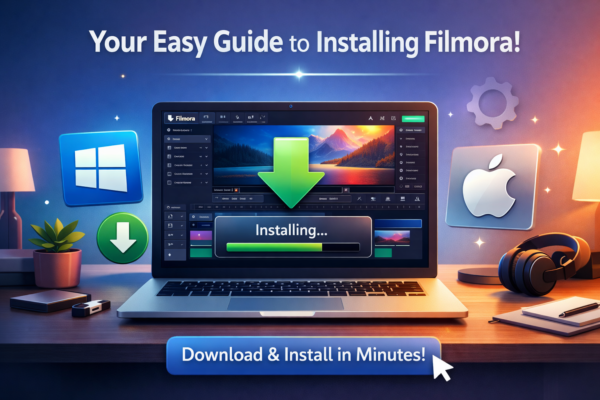
How to Download and Install Filmora (Windows & Mac)
Video editing has become an essential skill for YouTubers, freelancers, marketers, and content creators. If you’re looking for beginner-friendly editing software that still offers professional features, it’s easy to download and install Filmora, and Wondershare Filmora is one of the best options available today. However, many beginners get confused when they first try to download […]
Read MoreWhat Is Filmora & What You Can Create With It.
Video content is everywhere, on YouTube, TikTok, online courses, and even in business marketing. But here’s the problem: most beginners feel overwhelmed by complicated editing tools. You might be wondering, what is Filmora, and how can it simplify video editing for creators? Here Comes Wondershare Filmora https://filmora.wondershare.com/ If you’ve ever wanted to create professional-looking videos […]
Read MoreCapCut Color Adjustment & Grading – Complete Guide
Color grading is one of the most important steps in making your videos look professional. Learning how to do color adjustment and basic color grading in CapCut helps improve visual mood, lighting balance, and overall video quality. By understanding how different colors affect mood and perception, creators can make more intentional decisions in color grading […]
Read MoreMotion Tracking for Text and Stickers in CapCut — Step-by-Step Guide
Motion tracking is one of the most powerful editing techniques for making videos look professional and engaging. Learning how to use motion tracking for text and stickers in CapCut allows you to attach text, graphics, or stickers to moving objects automatically. In this guide, you’ll learn how to apply motion tracking easily and create dynamic […]
Read MoreHow to Add Multiple Text Layers in CapCut (Step-by-Step Guide)
Text can completely transform your videos. Whether you’re adding titles, captions, subtitles, or animated highlights, learning how to add multiple text layers in CapCut helps you create more dynamic and professional content. In this guide, you’ll learn exactly how to create multiple text layers, manage them on the timeline, and use them effectively to improve […]
Read MoreTypes of Videos Every Video Editor Should Know
Whether you’re an aspiring video editor or an experienced professional, understanding the various types of videos is crucial to expanding your skills, landing more clients, and producing high-quality content that meets diverse needs. Each video type requires a different editing approach, tone, and level of technical expertise. Here’s a comprehensive breakdown of the key video […]
Read More10 Essential Video Editing Tips for Beginners
Learn how to edit like a pro with these beginner-friendly tips! 1. Choose the Right Software 2. Organize Your Footage 3. Learn the Basics of Cutting and Trimming 4. Add Smooth Transitions 5. Pay Attention to Audio 6. Use Color Grading to Set the Mood 7. Add Text and Titles Wisely 8. Use Keyboard Shortcuts […]
Read More










