
Exporting Videos in High Quality in Filmora (Step-by-Step Guide)
Creating a great video is only half the job—exporting it correctly is what truly determines how professional it looks. Many beginners spend hours editing in Filmora video editor, only to end up with blurry or compressed results after export. If that sounds familiar, don’t worry—you’re not alone. This guide will show you exactly how to […]
Read More
Best Filmora Export Settings for Instagram & TikTok
Creating videos that look amazing on your laptop is one thing—but making them look perfect on Instagram Reels or TikTok is a completely different game. If you’ve ever exported a video from Filmora https://filmora.wondershare.com/ and thought, “Why does this look blurry on my phone?”, you’re not alone. The truth? Social platforms compress your videos heavily. […]
Read More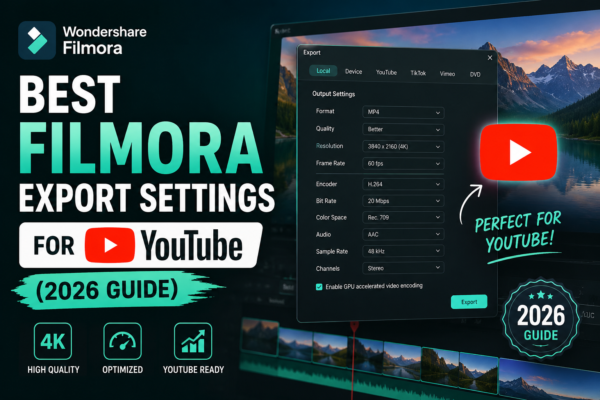
Best Filmora Export Settings for YouTube (2026 Guide)
Uploading a video to YouTube shouldn’t feel like a gamble. Yet many creators hit “Export” in Wondershare Filmora only to end up with blurry visuals, massive file sizes, or awkward compression after uploading to YouTube. If that sounds familiar, you’re not alone. The good news? With the right export settings, you can dramatically improve video […]
Read More










