Why Clear Audio Matters for Online Courses
Students may forgive low-budget visuals, but poor audio quickly disrupts learning. In fact, background noise can cause frustration, reduce focus, and lower retention. When your course has crisp sound, learners perceive it as professional and trustworthy. Additionally, clear audio makes complex topics easier to follow. As a result, improving sound quality directly impacts both engagement. Our services
4 Common Sources of Background Noise
- Room Ambience – echo, air conditioners, or computer fans.
- External Noise – traffic, construction, or neighbors.
- Microphone Issues – low-quality mics often capture static.
- Editing Oversights – uncut pauses and breaths left in recordings.
Easy Fixes to Remove Background Noise
1. Use Noise Reduction Tools
Software like Audacity, Adobe Audition, and Camtasia include built-in filters. These tools identify unwanted frequencies and reduce them without harming your voice.
2. Apply EQ and Compression
Equalization removes low hums or high hiss, while compression balances audio levels. Together, they create a smoother, more natural sound.
3. Record in a Controlled Environment
Simple actions—closing windows, hanging curtains, or placing foam panels—reduce noise before it’s even recorded.
4. Use Directional Microphones
A cardioid or shotgun mic focuses on your voice while ignoring surrounding sounds. This choice minimizes editing work later.
5. Edit Out Unwanted Sounds
Manually cut coughs, clicks, and long silences during post-production. Although time-consuming, it significantly boosts clarity. https://www.fiverr.com/s/dD1D7Az
Step-by-Step Workflow to Clean Audio
- Import the recording into your editing software.
- Run a noise reduction filter to target constant hums or static.
- Apply EQ adjustments to remove frequencies outside the voice range.
- Add compression to balance soft and loud moments.
- Listen with headphones to catch smaller distractions.
- Export the cleaned audio before syncing back to video.
Best Tools for Background Noise Removal
| Tool | Key Feature | Cost |
|---|---|---|
| Audacity | Free noise reduction & EQ | Free |
| Adobe Audition | Advanced adaptive noise removal | $20.99/mo |
| Camtasia | All-in-one video + audio cleanup | $299 one-time |
| Krisp | AI-powered real-time noise removal | Free–$12/mo |
| Descript | AI background noise eraser | $12–$24/mo |
Tip: Start with free tools like Audacity before investing in premium options.
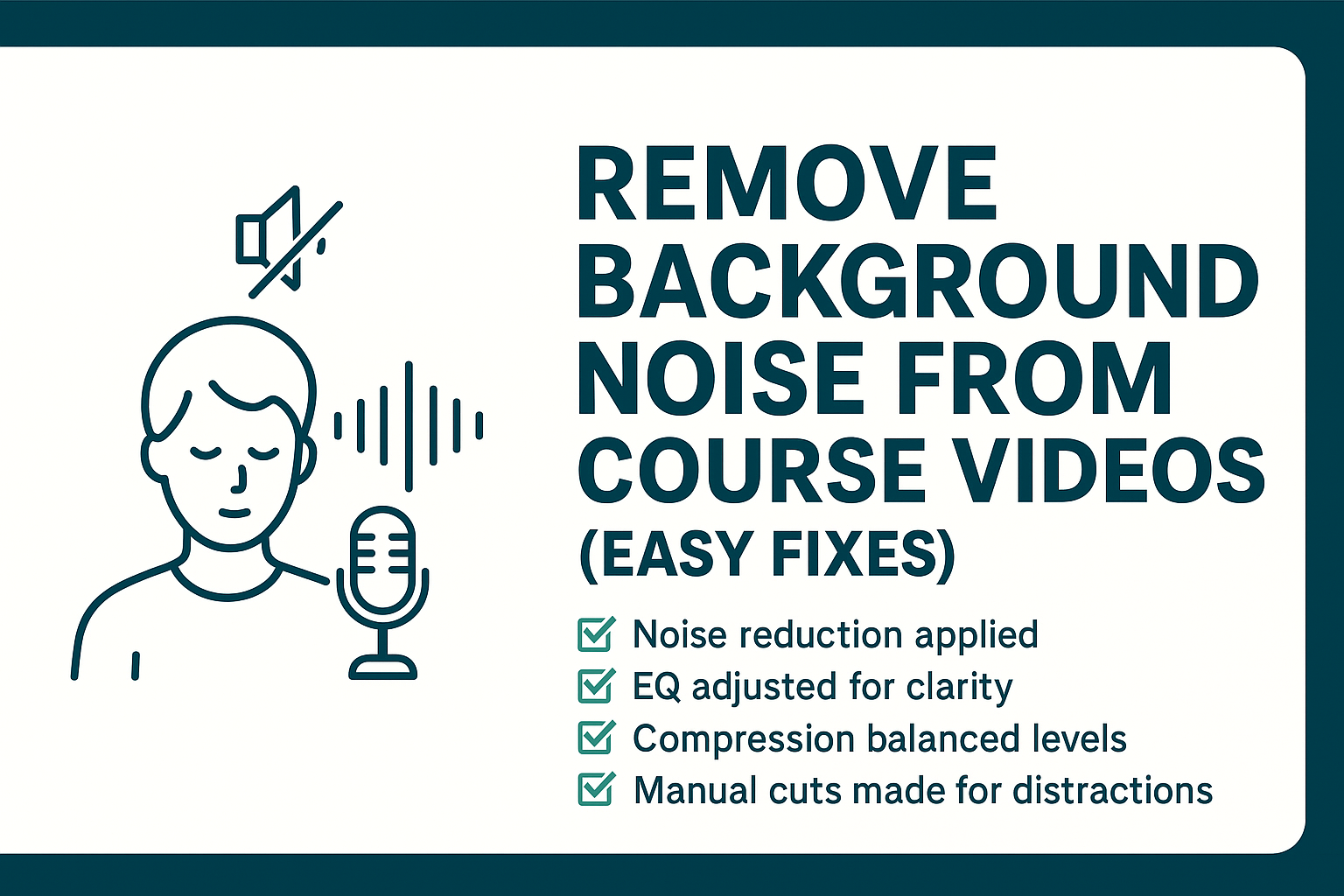
Background Noise Removal Checklist
✅ Noise reduction applied
✅ EQ adjusted for clarity
✅ Compression balanced levels
✅ Manual cuts made for distractions
✅ Final test with headphones completed https://www.fiverr.com/s/akGkdXG
DIY vs. Professional Noise Removal
| Factor | DIY Approach | Professional Service |
|---|---|---|
| Cost | Free–low budget | Higher, per project |
| Learning Curve | Requires practice | Handled by experts |
| Tools | Limited or basic | Studio-grade software |
| Quality | Good with effort | Broadcast-level clarity |
Ultimately, DIY is effective for most course creators, but professional editing ensures flawless results. About us
Where to Find Audio Editors
Platforms like Fiverr and Upwork feature specialists who:
- Remove background noise without harming speech
- Balance audio levels for consistent sound
- Deliver ready-to-use audio synced with your video
Pro Tip: Request a short sample cleanup to check audio quality before hiring. Contact us











