What Is B-Roll and Why It Matters
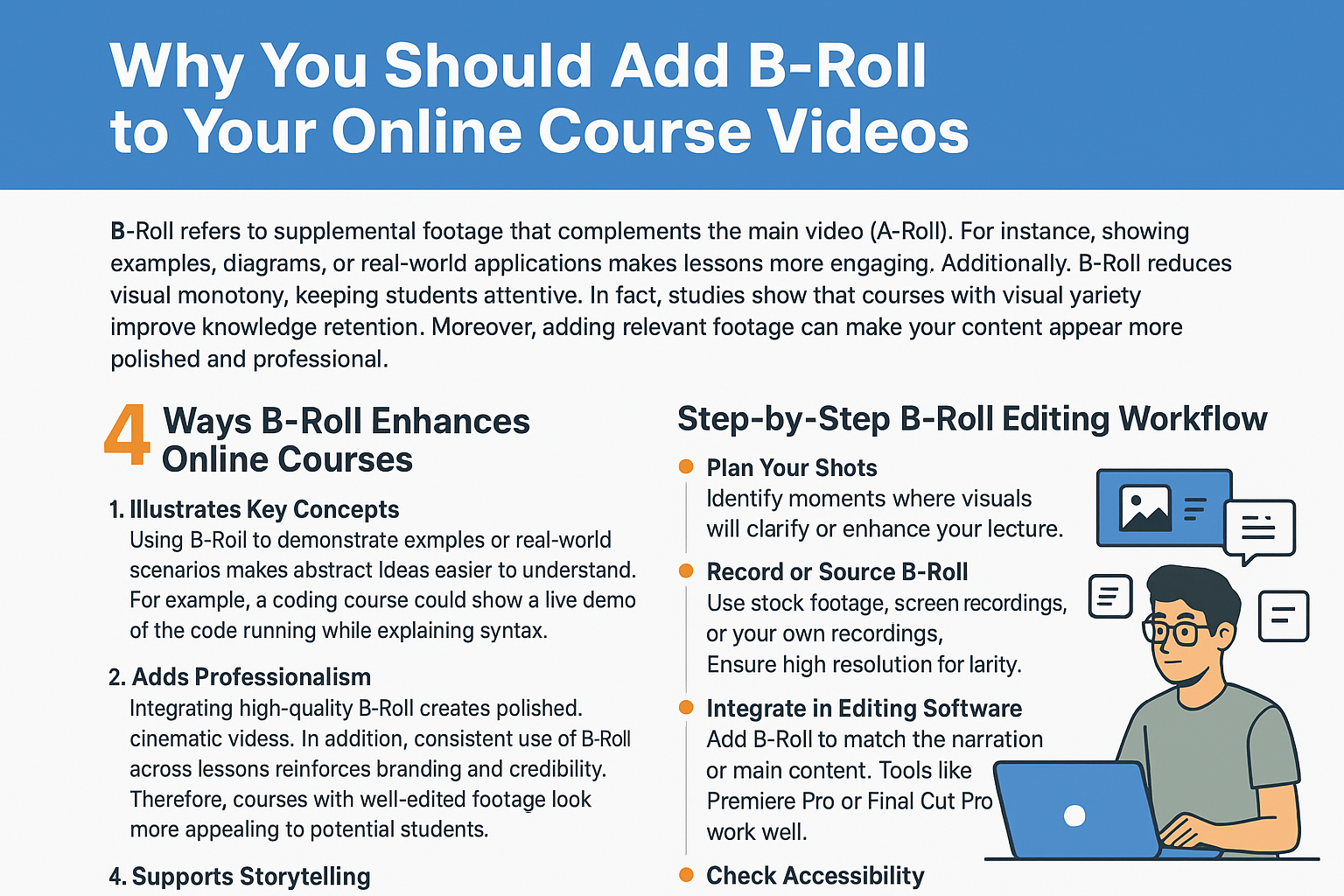
B-Roll refers to supplemental footage that complements the main video (A-Roll). For instance, showing examples, diagrams, or real-world applications makes lessons more engaging. Additionally, B-Roll reduces visual monotony, keeping students attentive. In fact, studies show that courses with visual variety improve knowledge retention. Moreover, adding relevant footage can make your content appear more polished and professional. Our services
4 Ways B-Roll Enhances Online Courses
1. Illustrates Key Concepts
Using B-Roll to demonstrate examples or real-world scenarios makes abstract ideas easier to understand. For example, a coding course could show a live demo of the code running while explaining syntax. Consequently, students grasp concepts faster and retain more information.
2. Breaks Visual Monotony
Long lectures with only A-Roll can feel tedious. In contrast, B-Roll introduces visual breaks, keeping learners engaged. Furthermore, it provides opportunities to emphasize important points without overloading the viewer. https://www.fiverr.com/s/dD1D7Az
3. Adds Professionalism
Integrating high-quality B-Roll creates polished, cinematic videos. In addition, consistent use of B-Roll across lessons reinforces branding and credibility. Therefore, courses with well-edited footage look more appealing to potential students.
4. Supports Storytelling
B-Roll can be used to tell a story or build context around the lesson. For instance, showing behind-the-scenes workflows, experiments, or interviews adds depth and narrative interest. Moreover, students become more invested when lessons feel dynamic rather than static. https://www.fiverr.com/s/akGkdXG
Step-by-Step B-Roll Editing Workflow
- Plan Your Shots
Identify moments where visuals will clarify or enhance your lecture. - Record or Source B-Roll
Use stock footage, screen recordings, or your own recordings. Ensure high resolution for clarity. - Integrate in Editing Software
Add B-Roll to match the narration or main content. Tools like Premiere Pro or Final Cut Pro work well. - Adjust Timing and Transitions
Ensure smooth cuts and avoid abrupt jumps. Use subtle transitions to maintain flow. - Check Accessibility
Include captions or audio descriptions for B-Roll to maintain ADA compliance.
Best Tools for Adding B-Roll
| Tool | Feature | Cost |
|---|---|---|
| Adobe Premiere Pro | Advanced multi-track editing | $20.99/mo |
| Final Cut Pro | Professional video editing | $299 one-time |
| DaVinci Resolve | Free & paid advanced editing | Free / $295 |
| Canva | Simple video editing with stock footage | Free–$19.99/mo |
Tip: Choose a tool that fits your technical comfort level while allowing precise timing for B-Roll integration.
B-Roll Editing Checklist
✅ B-Roll aligns with lesson content
✅ Transitions are smooth and non-distracting
✅ Footage is high-quality and clear
✅ Captions or audio descriptions are included
✅ Visuals support engagement and learning outcomes
DIY vs. Professional B-Roll Editing
| Factor | DIY Approach | Professional Service |
|---|---|---|
| Quality | Dependent on skills | Polished, cinematic results |
| Time | Can be time-consuming | Faster and more efficient |
| Tools | Basic or limited software | Access to professional editing suites |
| Engagement | Moderate improvement | Maximized learner attention |
Ultimately, professionals ensure seamless integration, high-quality visuals, and a more engaging course experience. About us
Where to Find B-Roll Editing Experts
Freelance platforms like Fiverr and Upwork offer specialists who:
- Integrate B-Roll into course videos
- Ensure timing matches narration
- Provide professional-grade editing
- Maintain accessibility standards
Pro Tip: Start with one module to test style, pacing, and engagement before outsourcing your entire course. Contact us











