Introduction
Corporate training videos play a crucial role in modern workplaces; however, many feel dry and forgettable. When you edit course videos for corporate training with clear structure, consistent branding, and intentional pacing, the result is a focused learning experience. As a result, employees retain more information, and managers see measurable performance improvements. Moreover, polished editing signals professionalism and respect for people’s time.
Why Corporate Training Needs Specialized Editing
Unlike consumer content, corporate learning must satisfy brand, legal, and accessibility standards simultaneously. Consequently, specialized editing:
- Maintains brand credibility through consistent visuals and tone.
- Improves retention with strategic pacing and segmentation.
- Meets accessibility requirements for every employee.
- Aligns with culture and messaging, reinforcing shared values. https://www.fiverr.com/s/dD1D7Az
1) Editing Techniques That Improve Engagement
Professional Visual System
- Establish brand-safe color, type, and lower-third styles.
- Introduce speakers with animated name bars; then reuse consistently.
- Highlight key phrases with concise on-screen callouts.
Deliberate Pacing
- Remove filler words and pauses; consequently, momentum stays high.
- Insert chapter markers to aid quick reference and review.
- Add 10–15 second recap slides every 5–7 minutes to consolidate learning.
Interaction Cues
- Pose short reflection prompts (“Pause and note your next step”).
- Include quick polls or knowledge checks; therefore, attention rebounds.
- Offer downloadable checklists to bridge learning and action.
Pro tip: Additionally, keep visual density low—one core idea per shot—to reduce cognitive load.
2) Using Visuals the Corporate Way
Explainer Graphics & Animations
- Process flowcharts clarify handoffs and approvals.
- Timelines simplify compliance histories and milestones.
- Step-through screen captures demonstrate software tasks accurately.
Case-Based Inserts
Instead of abstract policy slides, cut to a short scenario. For example, show the “incorrect” approach, pause with a callout, and then demonstrate the correct behavior. In addition, add before/after metrics (time saved, risk reduced). Consequently, learners connect policy with performance.
3) Audio & Sound Design Standards
Because audio shapes credibility, treat it as a first-class element. Therefore:
- Record neutral, professional voiceovers with pop-filter and room treatment.
- Level dialogue to a consistent LUFS target; additionally, compress lightly for clarity.
- Use instrumental beds under -24 dB; meanwhile, avoid lyrics that compete with narration.
- Add subtle stingers between sections so transitions feel intentional.
Pro tip: Apply broadband noise reduction and loudness normalization last; as a result, playlists across modules sound uniform.
4) Accessibility & Compliance Essentials
Corporate content must be inclusive and auditable. Accordingly, every edited video should include:
- Accurate captions (with speaker IDs and technical terms).
- Readable typography (sufficient size/contrast per WCAG).
- Descriptive alt text for downloadable visuals and frames.
- Transcripts for searchability and screen-reader use.
- Multi-language tracks where workforces are global.
Moreover, document your accessibility checklist inside the project file so QA can verify compliance quickly. https://www.fiverr.com/s/akGkdXG
5) LMS & Delivery Specifications
Because distribution often happens through an LMS, plan technical specs before editing. In particular:
- Resolution: 1080p minimum; 4K only when platform supports it.
- Aspect Ratio: 16:9 primary; additionally, export 1:1 or 9:16 teasers for comms.
- Formats: MP4 (H.264) for video; SCORM/xAPI packages for tracking.
- Metadata: Course code, version, department, and optional employee ID fields.
- Thumbnails: Brand-aligned cover frames for consistent libraries.
Consequently, uploads pass IT checks the first time and analytics track correctly.
6) Engagement Strategies That Work Internally
- Branching scenarios let roles follow relevant paths; therefore, time on task feels purposeful.
- Executive bumpers (opening/closing messages) signal importance.
- “Office cam” cutaways show real applications, not just slides.
- Micro-assignments at the end of each segment convert learning into action.
Similarly, rotate formats—talking head, screen demo, graphic explanation—so attention resets without gimmicks. https://www.fiverr.com/s/dD1D7Az
7) DIY vs. Professional Editing
| Option | Strengths | Watch-outs |
|---|---|---|
| DIY (internal) | Lower cost; tribal knowledge | Limited motion design; inconsistent polish |
| Professional service | Broadcast-level consistency; SCORM/xAPI expertise | Requires brief, brand kit, review cadence |
Ultimately, large rollouts benefit from professional pipelines; however, internal teams can still own SME reviews and cultural nuance.
Corporate Video Pre-Launch Checklist
Before distribution, confirm the following:
- Branding matches the current style guide; moreover, lower-thirds are consistent.
- Captions/transcripts pass QA; in addition, names and acronyms are correct.
- LMS upload succeeds; therefore, tracking and completion rules work.
- Mobile playback is smooth on 4G and Wi-Fi.
- Recap slides and knowledge checks appear at planned intervals.
Finally, run a 10-person pilot; gather feedback, then trim or clarify any confusing segments. Our services
Recommended Tool Stack
- Adobe Premiere Pro – advanced editorial control and graphics.
- Camtasia – rapid screen-recording plus simple effects.
- Vyond – clean, corporate animation styles.
- Audiate or Adobe Podcast – quick voice cleanup and leveling.
- Storyline/Articulate 360 – interactive modules and SCORM export.
Additionally, create export presets so every editor delivers identical files.
Conclusion
Editing isn’t only about cutting timelines—it’s about designing learning that respects brand standards and people’s time. When you combine deliberate pacing, brand-true visuals, clear audio, and verified accessibility, employees finish more modules and remember what matters. Above all, consistent editing practices turn training into a trusted internal product. About us
Image Elements (for your featured graphic)
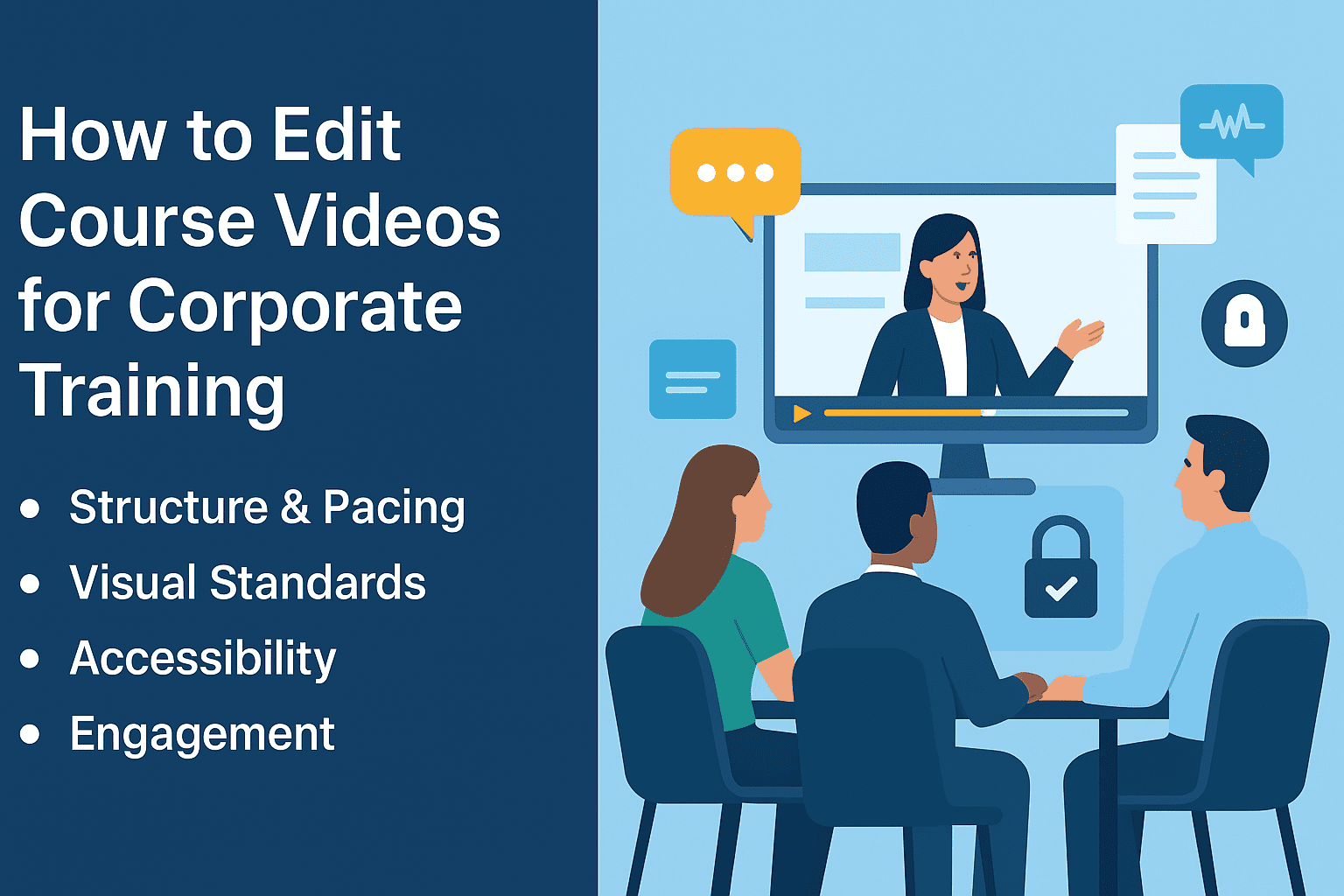
- Alt Text: “Corporate team watching a branded training video with captions, chapter markers, and compliance icons.”
- Caption: “Professional editing makes corporate training clear, accessible, and on brand.”
- Description: “Flat, corporate-style infographic illustrating branded visuals, structured pacing, captions, LMS specs, and engagement strategies for workplace learning.” Contact Us











