Why Editing Matters in E-Learning
E-learning relies heavily on clear, concise, and engaging content. Even great lessons can fall flat if editing is poor. Smooth cuts, clear audio, and supporting visuals help learners stay focused and absorb information. Professional editing also adds polish, which makes your course appear more credible. Our services
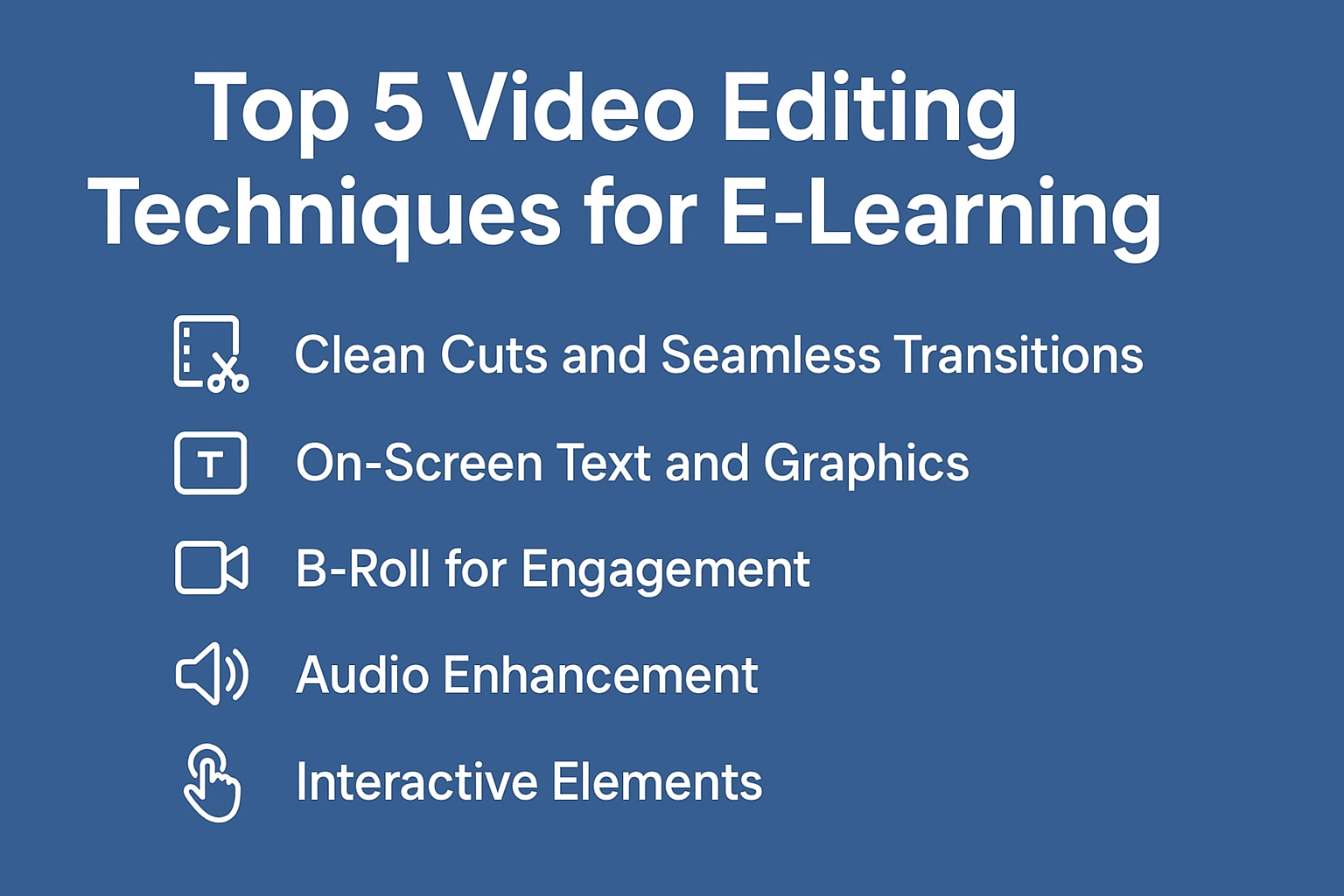
1. Clean Cuts and Seamless Transitions
Long pauses, filler words, and unnecessary tangents distract students. Trimming these out ensures lessons are concise. Adding smooth transitions, such as fades or wipes, helps sections flow naturally without jarring jumps. This improves learning continuity.
2. On-Screen Text and Graphics
Important terms, definitions, and key takeaways should be highlighted with text overlays or callouts. Graphics like arrows, icons, or lower-thirds guide attention to crucial details. As a result, learners retain information better. https://www.fiverr.com/s/dD1D7Az
3. B-Roll for Engagement
Showing only a talking head for long stretches can bore students. B-roll footage—such as screen recordings, product demos, or relevant visuals—breaks monotony and supports the spoken content. When used strategically, it increases comprehension and keeps learners engaged.
4. Audio Enhancement
Audio quality is often more important than visuals. Clear narration helps learners stay focused, while distracting noise reduces comprehension. Techniques like noise reduction, EQ adjustments, and volume leveling make speech crisp and professional.
5. Interactive Elements
Adding quizzes, clickable buttons, or branching paths within videos turns passive viewing into active learning. Even simple elements like “pause and reflect” prompts encourage deeper engagement. Platforms like H5P and Articulate support these interactive features. https://www.fiverr.com/s/akGkdXG
Quick Editing Workflow for E-Learning Videos
- Remove filler and dead space for clarity.
- Sync captions with narration for accessibility.
- Add branding elements like logos and intros.
- Check pacing—shorter, segmented lessons work best.
- Review visuals for readability and contrast.
This workflow ensures that content is polished, accessible, and aligned with learner needs. About us
Recommended Tools
| Tool | Best For | Cost |
|---|---|---|
| Adobe Premiere Pro | Advanced editing & effects | $20.99/mo |
| Camtasia | Screen recording + editing | $299 (one-time) |
| Descript | Text-based editing & captions | $15/mo |
| Final Cut Pro | Mac-friendly professional editing | $299 (one-time) |
Tip: Choose software that matches your workflow and technical comfort. Contact us











